
Database Driven Label Printing Software
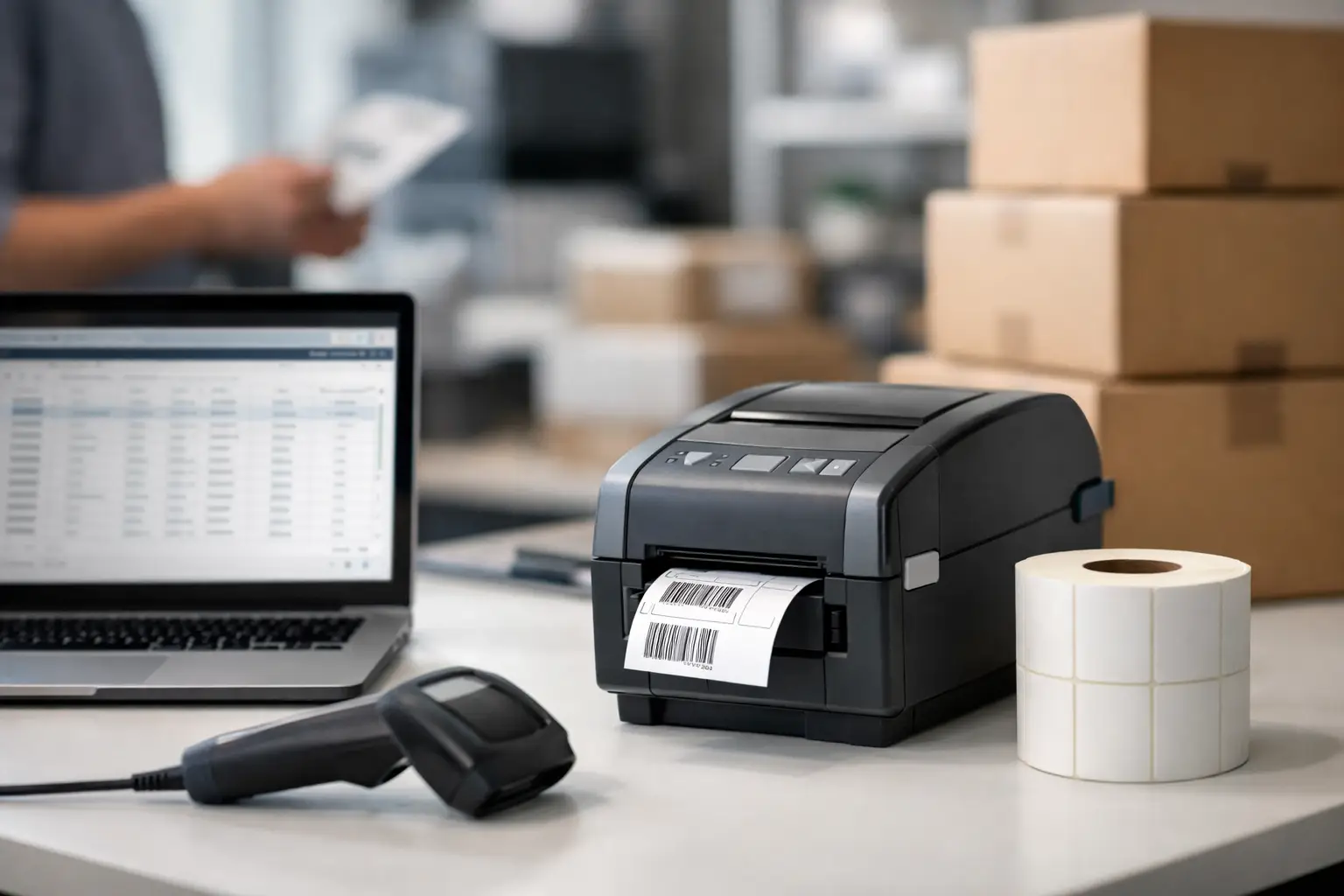
If your team is still typing product names, lot numbers, addresses, or compliance data into label templates by hand, you already know where the mistakes start. Database driven label printing software fixes that problem by pulling label content directly from the records your operation already uses, so the printed label matches the data source instead of relying on manual re-entry.
For manufacturers, warehouses, distributors, and regulated operations, that is not a small upgrade. It changes how labels are produced across receiving, inventory, shipping, work-in-process, and product identification. A label stops being a disconnected document and becomes part of the business system behind it.
What database driven label printing software actually does
At its core, database driven label printing software connects label templates to structured data. That data may come from Excel, CSV files, SQL databases, ERP systems, WMS platforms, accounting software, or other line-of-business applications. Instead of opening a label format and typing each field one at a time, the software maps fields such as SKU, description, serial number, barcode value, date code, customer ID, or shipping address directly into the label.
When a user selects a record or triggers a print event, the software places the correct data into the right label fields automatically. That sounds simple, but it has a major operational effect. It reduces keying errors, improves consistency, speeds up print jobs, and gives different departments a standard way to generate labels from approved data.
This matters even more in barcode environments. A barcode that scans perfectly but contains the wrong value is still a failed label. The real issue is not just print quality. It is data accuracy. Good label software has to manage both.
Why businesses move away from manual label entry
Most companies do not start with a broken process. They start with a small process that eventually outgrows itself. A few labels a day can be handled with manual entry. A few hundred labels across multiple shifts, product lines, customers, or facilities is a different story.
Manual workflows create predictable problems. Operators type the wrong part number. Shipping pulls an old address. Production forgets to update a revision. Compliance text gets copied from the wrong file. The cost shows up in relabeling, returns, chargebacks, inventory confusion, and production delays.
Database driven label printing software addresses those problems at the source. It gives the software a direct relationship with the record being printed. That does not eliminate every risk, because bad source data will still produce bad labels, but it removes a large category of preventable mistakes caused by duplicate entry.
There is also a labor issue. Re-entering data for every print run adds time with no value. If the information already exists in a business system, your label process should use it there.
Where this software delivers the most value
The strongest use cases are the ones where label accuracy affects movement, traceability, or compliance. In manufacturing, database-connected labels support product ID labels, work order labels, pallet labels, asset tags, and date or lot controlled production labels. In warehousing and distribution, they support shelf labels, receiving labels, carton labels, shipping labels, and cross-dock workflows.
For businesses in food, chemical, medical, automotive, or electronics environments, the value can be even higher. These operations often need exact field control, barcode precision, variable data, and repeatable formatting. A disconnected label process creates too much room for error.
This is also where established software platforms stand apart from lightweight consumer tools. Business label environments need more than a nice template screen. They need controlled data connections, barcode support, printer compatibility, conditional fields, and dependable output on production hardware.
What to look for in database driven label printing software
Not every system that claims database support is equally useful in real operations. Some can import data, but only through awkward workarounds. Others connect well enough for simple jobs, then become difficult when you need queries, filtering, prompts, or printer-specific control.
Start with connectivity. The software should work with common business data sources and make field mapping practical, not tedious. If your team needs to select a record, filter a batch, or print from a transaction file, that should be straightforward.
Next, look at form design and barcode capability. Industrial labeling often includes 1D and 2D barcodes, human-readable fields, graphics, variable text, counters, date math, and conditional logic. Your software should handle all of that without forcing users into custom coding for routine label tasks.
Printer control matters too. A label can look fine on screen and still perform poorly if the software does not communicate well with the thermal printer being used. Businesses need control over print speed, darkness, media handling, orientation, and format consistency across devices.
Then there is usability. Some buyers assume that more features automatically means better software. Not always. If the people printing labels are floor operators, warehouse staff, or shipping personnel, the interface has to support fast, repeatable execution. The best systems let technical users build the logic while keeping day-to-day printing simple for everyone else.
Why the software alone is not the whole answer
This is where many purchasing decisions go sideways. A company focuses on software features but treats the printer, ribbon, and label stock as separate commodities. In practice, label performance depends on the full system.
Database driven label printing software can generate the right data, but the printed result still depends on printer compatibility, media construction, ribbon choice, adhesive, label size, and application conditions. If a barcode smears, fades, peels, or scans poorly, the problem may not be the software at all.
That is why experienced buyers often prefer a source that understands the complete labeling environment. Matching software to the printer is important. Matching the printer to the label material and ribbon is just as important. A warehouse shipping label, a freezer label, a chemical drum label, and a UL-recognized product label do not belong in the same specification bucket.
The role of EasyLabel in database-connected printing
EasyLabel has long been a serious option for businesses that need industrial label design and production control rather than entry-level label tools. In database-connected environments, that matters. You need software built for variable data, barcode reliability, thermal printer support, and repeatable output in real operations.
For companies evaluating database driven label printing software, one of the practical advantages of an established platform is that it has already been used across the kinds of workflows buyers care about – inventory labels, shipping labels, product identification, compliance labeling, serialized tracking, and more. That track record matters when labeling is tied directly to throughput and customer requirements.
It also helps when support is available from specialists who understand labeling as a system, not just as a software box. The Label Guy works with businesses that need that bigger-picture support, including software, printers, ribbons, labels, and technical guidance from one source.
Trade-offs to consider before you buy
There is no single best fit for every operation. A smaller business with simple templates and static data may not need advanced integration on day one. A large manufacturer with multiple databases, approval controls, and several print stations almost certainly will. The right choice depends on print volume, data complexity, compliance exposure, and how many users or locations need access.
There is also a balance between flexibility and control. Highly configurable software can support complex workflows, but it may require better setup discipline. If your internal data is inconsistent, connecting it to labels will expose those problems quickly. That is not a reason to avoid database-driven printing. It is a reason to plan implementation carefully.
Another consideration is who will maintain the system. Some companies have internal IT or operations staff who can manage database connections and template changes. Others need a vendor that can help them get configured correctly and stay responsive when production is on the line. In labeling, support quality is not a side issue. It affects uptime.
When database driven label printing software makes the most sense
If your business prints labels from information that already lives somewhere else, you should seriously consider a database-connected approach. The more labels you print, the more variations you manage, and the higher the cost of a bad label, the stronger the case becomes.
That is especially true when labels carry barcodes, serial numbers, lot codes, customer-specific data, or regulated content. These are not good environments for cut-and-paste processes or operator memory. They require consistency, speed, and confidence that the printed label reflects the right record every time.
The best labeling systems do more than print. They reduce manual work, tighten control, and make scaling easier as your operation grows. If that is the direction your business needs to go, start with software that connects to your data correctly and a supplier that understands everything required to keep that label performing after it leaves the printer.