
Choosing a Thermal Label Printer for Warehouse Use
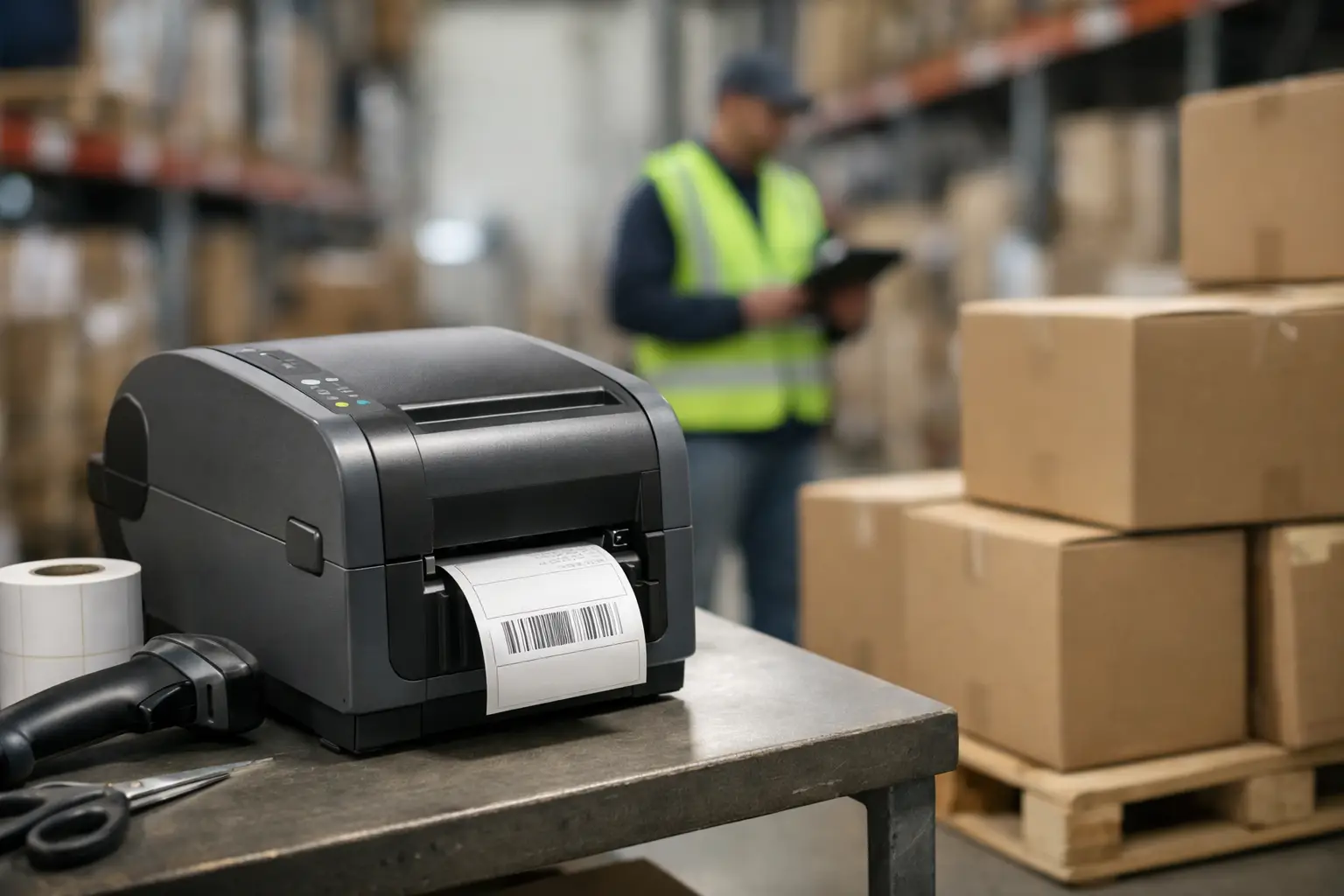
A missed scan at the dock can ripple through receiving, putaway, picking, and shipping before anyone realizes the label was the real problem. That is why choosing the right thermal label printer for warehouse operations is not a small hardware decision. It affects barcode accuracy, labor efficiency, inventory visibility, and how much time your team spends reprinting labels instead of moving product.
Warehouses put printers through harder conditions than most office environments. Labels may need to survive abrasion, temperature swings, forklift traffic, stretch wrap, and long storage cycles. Print volume can spike without warning. Operators may need simple, repeatable workflows rather than complicated setup screens. In that environment, the right printer is the one that keeps producing readable labels consistently, not just the one with the lowest upfront price.
What a thermal label printer for warehouse work needs to do
A warehouse printer has a straightforward job, but the demands behind that job are not always simple. It needs to print scannable barcodes at the right size and darkness, maintain output quality over long runs, and support the label materials required for each application. That may include pallet labels, rack labels, carton labels, shipping labels, compliance labels, asset tags, and work-in-process identification.
The first requirement is print reliability. If a barcode prints too light, too small, or with uneven edges, scan rates drop. That forces workers to key in data manually, slows transactions, and introduces avoidable errors. A dependable printer reduces those interruptions by producing consistent print quality shift after shift.
The second requirement is media compatibility. Warehouses rarely use one label type for everything. Some operations need paper labels for short-life shipping applications. Others need synthetic materials and thermal transfer ribbons for labels exposed to moisture, chemicals, friction, or outdoor staging. A printer should match the actual life of the label in the field, not just the purchase order.
The third requirement is integration. If the printer does not fit your software, barcode formatting, ERP workflow, or network environment, hardware specs alone will not save the project. The printer has to work as part of a complete labeling system.
Direct thermal vs thermal transfer in the warehouse
This is usually the first technical decision, and it matters because the wrong print method creates problems that look like scanning or inventory issues later.
Direct thermal printing uses heat-sensitive labels and does not require a ribbon. It is commonly used for shipping labels, carton labels, and other applications where the label has a short service life. For high-volume shipping stations, this can be a smart choice because media loading is simpler and supply changes are faster.
Thermal transfer printing uses a ribbon to transfer ink onto the label surface. It is the better fit when labels must last longer or resist wear. Rack labels, freezer labels, asset labels, and many compliance applications benefit from thermal transfer because the image holds up better over time.
There is no universal winner. If your warehouse prints mostly shipping labels that move quickly through the supply chain, direct thermal may be efficient and economical. If your labels remain in storage, sit in sunlight, face rubbing from handling, or need to stay readable for months, thermal transfer is often the safer choice. Many operations end up using both, depending on the station and the labeling task.
The specs that actually matter
A spec sheet can look impressive while missing the point. For most warehouse buyers, four areas deserve the closest attention.
Print resolution matters, but not always in the way buyers expect. For standard shipping labels and common 1D barcodes, 203 dpi is often sufficient. If you need smaller labels, tighter barcode densities, small text, or more detailed graphics, 300 dpi may be worth the extra cost. Going higher than that only makes sense for specialized applications.
Print speed matters when labels are tied to live warehouse throughput. Fast printers reduce wait time at packing lanes and receiving stations, but speed should never come at the expense of print quality. A printer that advertises high speed but produces inconsistent barcodes at production settings can create more delays than it solves.
Duty cycle and build quality matter more in warehouses than in lighter-use environments. Metal housings, durable print mechanisms, and industrial-grade components generally hold up better under continuous use. A desktop unit may be fine for low-volume back-office labeling. It is usually the wrong choice for a busy warehouse floor.
Connectivity matters because the printer must fit into your workflow. USB-only may work for a single station. Network connectivity is usually the better fit for shared warehouse environments. Wireless options can help in some layouts, but they should be chosen carefully if uptime and stable communication are priorities.
Matching the printer to the application
Not every warehouse needs the same device. A receiving station printing carton IDs has different needs than a compliance line producing serialized product labels.
If the printer will live at a shipping bench, ease of loading and rapid first-label output may be top priorities. If it will support inventory labeling, consistency across label sizes and barcode symbologies may matter more. If it will print pallet labels in a dusty or high-traffic area, industrial durability becomes the deciding factor.
This is where many purchases go off track. Buyers compare printers as if they are all solving the same problem. They are not. The better approach is to start with the label application, the environment, the expected daily volume, and the required lifespan of the printed image. Then choose the hardware that supports those requirements without overbuying features you will not use.
Software is not optional
A thermal label printer for warehouse use is only as good as the software driving it. You can have a capable printer and still struggle if label design, barcode formatting, variable data, and printer management are handled with weak tools.
Warehouse teams need software that can create accurate labels, connect to data sources, support database-driven printing, and reduce operator error. That often means templates with locked fields, automated print triggers, and the ability to standardize labels across shifts or sites. It also means compatibility with the barcode standards your customers, carriers, or internal systems require.
This is one reason experienced buyers look beyond the box itself. A complete labeling setup includes printer, software, labels, ribbons when needed, and support from people who understand how the pieces work together. EasyLabel has long been a proven option in industrial labeling because it is built for business use, not casual document design. That difference shows up quickly when you need reliable barcode output and repeatable workflows.
Supplies can make or break performance
Printer selection gets most of the attention, but label stock and ribbon choice directly affect results. A well-built printer cannot compensate for labels that are poorly matched to the surface, environment, or print method.
Adhesive selection matters. A label applied to corrugate behaves differently than one applied to plastic totes, cold surfaces, or textured packaging. Face stock matters too. Paper can work well for many shipping and short-term uses, while synthetic materials are usually better when durability is required.
For thermal transfer applications, ribbon selection also matters. Wax, wax-resin, and resin ribbons each serve different purposes. The lowest-cost ribbon is not always the lowest-cost decision if print durability fails in actual use. When labels smear, fade, or scratch off, the true cost shows up in relabeling, shipping delays, and compliance risk.
Support matters more than buyers expect
Warehouse labeling problems are rarely isolated. A print issue may be caused by media, software settings, ribbon choice, barcode size, darkness, application surface, or environmental exposure. That is why buying from a specialist has real value.
A vendor that understands labeling systems can help you avoid mismatched components from the start. They can also help when the issue is not obvious, such as scanner failures caused by poor barcode contrast or labels curling because the material is wrong for the environment. Generic resellers often stop at model numbers. Specialists work through the workflow.
For operations that cannot afford downtime, USA-based technical support and access to hardware, software, and supplies from one source can simplify purchasing and reduce time lost chasing multiple vendors. That is especially useful when a warehouse is standardizing across locations or trying to improve label consistency across departments.
When to replace your current warehouse printer
If your team is constantly adjusting darkness, reprinting labels, clearing media jams, or dealing with barcode scan failures, the printer may already be costing more than it appears on paper. The same is true if your current device cannot support your software, label sizes, or current volume.
Replacement also makes sense when the business has changed. A printer that was adequate for one shift or one product line may not be adequate after adding new SKUs, new compliance requirements, or more shipping volume. Warehouse growth often exposes weaknesses in older labeling setups.
The right time to upgrade is usually before failures become routine. Once relabeling and workarounds become normal, labor waste tends to get accepted as part of the operation. It should not be.
Choosing a warehouse printer is really about protecting scan accuracy, throughput, and control at the point where physical goods meet data. If you match the print method, hardware class, software, and supplies to the real application, the printer stops being a problem and starts doing its job quietly every day – which is exactly what a warehouse needs.