
Thermal Printer Buying Guide for Business Labels
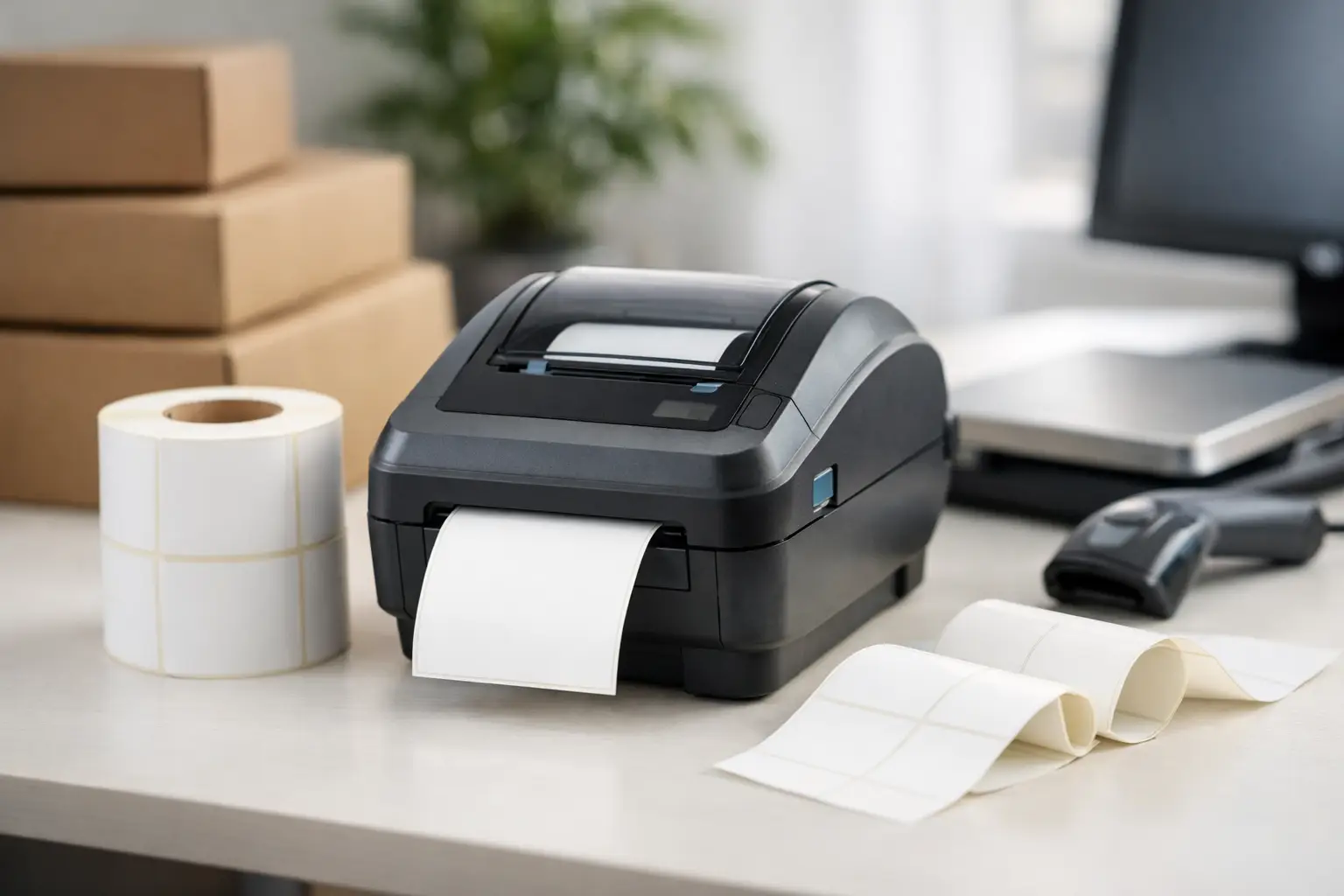
A thermal printer that is too light-duty for the job rarely fails at a convenient time. It slows receiving, holds up shipments, creates unreadable barcodes, and leaves teams hand-writing labels while production keeps moving. This thermal printer buying guide focuses on the decisions that determine whether a printer will support your operation reliably or become another source of downtime.
The right system is not defined by printer price alone. Print method, label material, ribbon selection, software compatibility, daily volume, and support all affect the cost and performance of your labeling operation.
Start With the Label’s Job
Before comparing printer models, identify what the label must do after it leaves the printer. A warehouse location label, a short-life shipping label, an asset tag, a chemical drum label, and a product identification label may all require different materials and print methods.
Ask where the label will be used, how long it must remain readable, and what it will encounter. Heat, sunlight, moisture, abrasion, chemicals, refrigeration, and outdoor exposure can quickly expose a poor material choice. Barcode labels also need enough print quality and contrast for dependable scanning throughout their required life.
Size matters as well. Confirm the widest label you need to print, including any liner or tag stock. A 4-inch printer is a practical fit for many shipping, inventory, and product-label applications, but it may not accommodate large compliance labels, wide carton labels, or specialized tag formats. Buying for today’s most common label is sensible only if it will not limit a known future application.
Choose Direct Thermal or Thermal Transfer
This is the first major technical decision. Both technologies use heat, but they produce labels differently.
Direct thermal printing creates an image directly on heat-sensitive label material. It requires no ribbon, which simplifies media changes and keeps operating costs low for many applications. It is a strong choice for shipping labels, receipts, short-term work-in-process labels, and other labels with a limited service life.
The trade-off is durability. Direct thermal images can fade or darken when exposed to heat, sunlight, friction, and some chemicals. If labels must remain legible for months or years, direct thermal is usually the wrong fit.
Thermal transfer printing uses a heated printhead to transfer ink from a ribbon onto the label or tag. This method supports a far broader range of materials, including paper, synthetics, polyester, polypropylene, and durable tag stocks. It is the preferred choice for asset identification, product labels, compliance labeling, outdoor use, and applications involving harsh handling or environmental exposure.
A thermal transfer printer adds ribbon cost and requires matching the ribbon to the label material. That additional step is worthwhile when label failure would create a compliance issue, an inventory error, or a replacement labor expense. Many operations select a printer that supports both direct thermal and thermal transfer so one device can cover short-term shipping labels and long-life identification labels.
Match Print Volume to the Printer Class
Printer class should reflect actual workload, not just the number of labels on a typical day. A desktop printer may be suitable for an office, small receiving station, or low-volume inventory task. It is compact and economical, but it is not designed to run continuously through high-volume production or multi-shift fulfillment.
Industrial printers are built for sustained demand, larger media rolls, faster print speeds, and tougher operating conditions. They are often the better business decision for warehouses, manufacturing lines, distribution centers, and operations where several employees depend on one printer. Their higher initial cost can be offset by fewer media changes, longer service life, and less disruption during busy periods.
Consider peak demand, not just average demand. A printer that handles 500 labels comfortably on a normal day may struggle when month-end shipping, seasonal orders, or a major receiving delivery pushes that volume several times higher. Estimate labels per day, the longest continuous print run, the number of shifts, and whether the printer is mission-critical.
If labeling cannot stop, consider redundancy. A second compatible printer at a key station can be less expensive than delayed shipments, idle labor, or emergency replacement sourcing.
Select Resolution for the Content You Print
Print resolution is measured in dots per inch, or dpi. Higher resolution produces finer detail, but it is not automatically better for every application.
For standard shipping labels, warehouse barcodes, carton labels, and large text, 203 dpi is often sufficient. It provides clear, scannable output at practical print speeds. For small product labels, dense barcode data, small fonts, intricate logos, or detailed graphics, 300 dpi is often the better choice.
Higher resolutions such as 600 dpi are reserved for very small labels and highly detailed applications. They can improve fine print, but may reduce speed and increase equipment cost. The practical question is whether scanners, customers, inspectors, or internal users need that additional detail. Do not pay for resolution that your label design does not require.
Barcode quality deserves special attention. A barcode can appear readable to the eye while failing a scanner because of poor contrast, incorrect sizing, damaged print, or unsuitable media. Test actual labels with the scanners used in your operation, especially when printing small codes or labels that will be exposed to wear.
Plan for Connectivity and Software
A printer is only useful when it works reliably with the systems that generate your labels. Review how labels will be created, where data comes from, and who will print them.
USB may be adequate for a single local workstation. Ethernet is often the more practical choice for shared warehouse, production, and office environments because it allows the printer to be accessed across the network. Wi-Fi can offer flexibility where cabling is difficult, though wired network connections are generally preferred where consistent uptime is the priority. Serial connections may still matter for older equipment and industrial systems.
Label design and printing software should fit the complexity of the operation. Basic applications may only need fixed text and a simple barcode. More demanding workflows need database connections, variable fields, counters, date calculations, serialized labels, compliance formats, and integration with ERP, WMS, or shipping systems.
EasyLabel is designed for business labeling workflows that require more than a generic office printing tool. The right software should make it practical for authorized users to update controlled label formats without allowing uncontrolled changes that create shipping, inventory, or compliance errors.
Do Not Treat Labels and Ribbons as Afterthoughts
A printer, label, and ribbon function as one system. The lowest-cost label stock is not a savings if it jams, scans poorly, falls off, or fails before the product reaches its destination.
Paper labels are economical for many indoor applications. Synthetic materials offer better resistance to water, tearing, oils, and chemicals. Adhesive selection is equally important. Permanent adhesive may be appropriate for cartons and product identification, while removable adhesive is useful for temporary tracking. Cold-temperature adhesives, high-tack adhesives, and specialty constructions solve specific application challenges but should be selected based on real environmental conditions.
For thermal transfer printing, ribbons generally fall into wax, wax-resin, and resin categories. Wax ribbons work well for many paper-label applications. Wax-resin ribbons offer improved durability and are commonly used where labels receive more handling. Resin ribbons provide the strongest resistance to abrasion, chemicals, and harsh environments when paired with compatible synthetic materials.
Always verify material compatibility rather than assuming a ribbon will perform on every label stock. A small test run using actual labels and real handling conditions can prevent a large and costly material purchase mistake.
Consider Operator Workflow and Serviceability
The best technical specifications do not help if operators cannot load media correctly or diagnose routine issues. Look for clear media paths, accessible printheads, straightforward calibration, visible status indicators, and easy ribbon loading when thermal transfer is required.
Printhead care is a routine operating requirement, not an optional maintenance task. Dust, adhesive buildup, and poor-quality media can shorten printhead life and reduce barcode quality. Establish a cleaning schedule based on volume and material use, and keep approved cleaning supplies available at the printer.
Support also matters when the printer is connected to a production line, shipping station, or compliance process. A specialist supplier can help match the printer, media, ribbon, and software before purchase, then provide practical guidance when a configuration or print-quality issue appears. The Label Guy supports complete labeling systems rather than treating the printer as an isolated hardware purchase.
Build the Purchase Around Total Cost of Ownership
The least expensive printer can become the most expensive choice if it requires frequent replacement, uses unsuitable media, or creates labor-intensive workarounds. Evaluate the full operating picture: printer cost, media and ribbon consumption, printhead replacement, maintenance time, software needs, downtime risk, and the cost of labels that fail in the field.
For a low-volume shipping station, a simple direct thermal desktop printer may be the right answer. For a manufacturer producing durable serialized labels, an industrial thermal transfer printer with 300 dpi resolution and compatible resin ribbons may be the more economical long-term investment. The correct answer depends on the label’s required life and the consequences of a failed scan.
A thermal printer should make labeling more controlled, faster, and easier to repeat. Define the application first, test the materials under real conditions, and choose a system with enough capacity for the work your operation is growing into – not merely the work it handled last quarter.