
Database Driven Label Printing for Accurate Labels
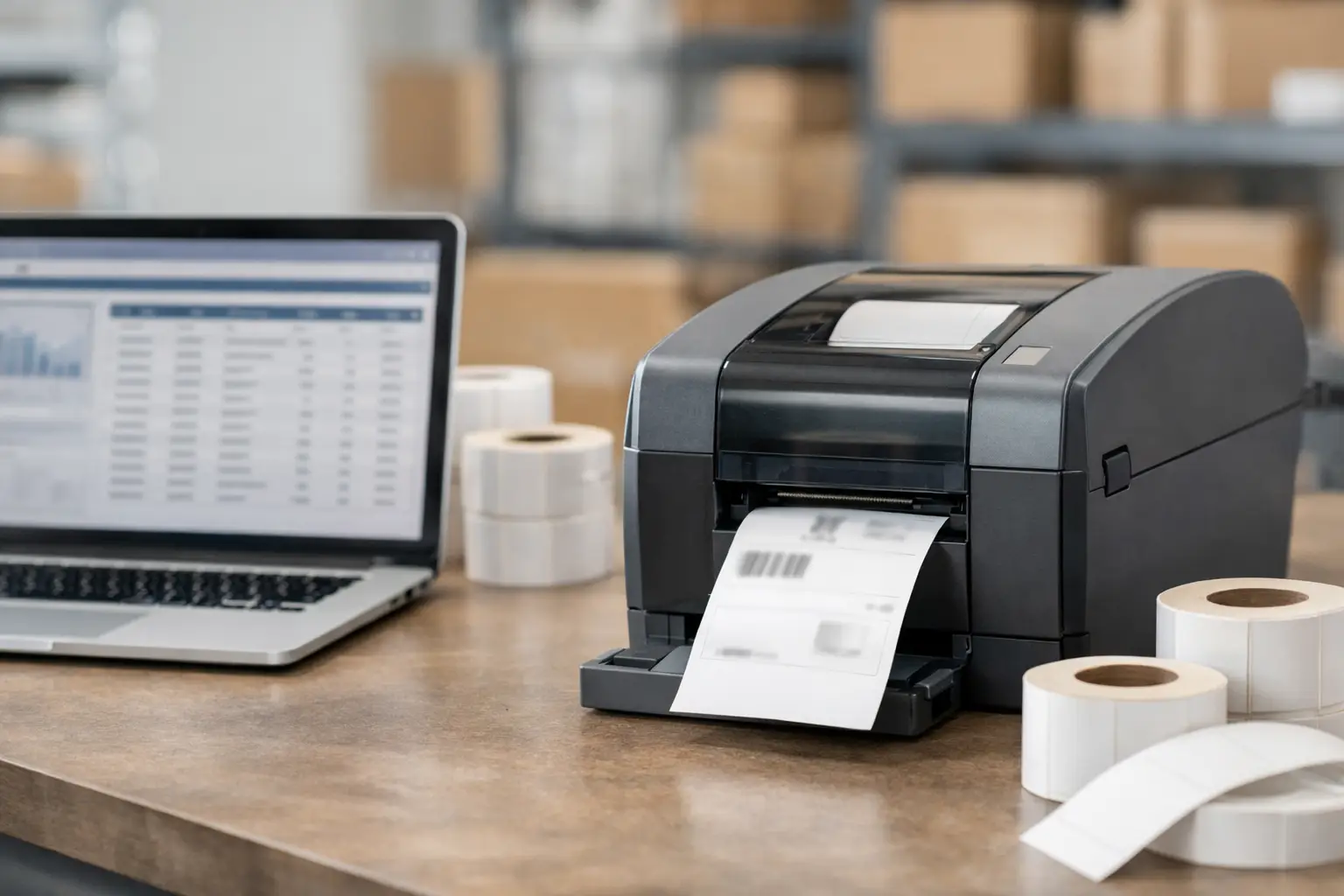
A warehouse team can receive the right product, pick the right order, and still create a costly problem at the labeling station. One mistyped lot number, outdated item description, or incorrect ship-to address can stop a shipment, create a traceability gap, or put the wrong product in a customer’s hands. Database driven label printing addresses that weak point by putting the information already used to run the business directly onto the label.
Rather than typing variable data into a label template each time a label is needed, the printing software retrieves approved records from a database or business application. The result is faster label production, fewer manual-entry mistakes, and labels that match the information in the systems your operation relies on.
What Is Database Driven Label Printing?
Database driven label printing is a method of producing labels from data stored in a structured source, such as a spreadsheet, CSV file, Microsoft Access database, SQL database, ERP system, warehouse management system, or inventory application. A label design contains fixed elements, including logos, warning statements, lines, and barcode format. It also contains variable fields that populate from the selected record.
For example, a manufacturer may maintain item number, product name, revision level, lot number, date code, and barcode value in a production database. When an operator selects or scans an item, the label software pulls the applicable record and prints a complete product identification label. The operator does not need to rekey every field or maintain separate label files for every SKU.
This approach is especially valuable when labels carry operationally critical data. Shipping labels, pallet labels, serial-number labels, chemical labels, inventory labels, asset tags, and compliance labels all depend on information being accurate at the point of print.
Why Manual Label Entry Creates Risk
Manual label creation can appear manageable when volumes are low. The trade-off becomes clear as SKU counts, customer requirements, and label variations increase. Employees spend more time searching for files, entering data, checking fields, and reprinting errors. Those small delays add up across receiving, production, fulfillment, and quality control.
The larger concern is data integrity. When the same product information exists in an ERP system, a spreadsheet, and a manually maintained label file, there are multiple opportunities for records to fall out of sync. A product description may change in one place but not another. A new revision may be released while an old label template remains in use. A barcode can be visually correct yet encode the wrong value.
Database integration creates a more controlled process. The business system remains the source of record, while the label software becomes the production tool that formats and prints that data correctly. This does not eliminate the need for process controls, but it reduces the number of places where employees must manually recreate information.
How the Process Works on the Floor
A practical database-driven workflow starts with a label format designed for the required printer, label material, and application. The format may include text, linear barcodes, 2D barcodes, graphics, variable counters, date calculations, and conditional fields.
Next, the software maps each variable field on the label to a column in the database. A field labeled “Part Number” might pull from a part-number column, while a Code 128 barcode uses that same value as its encoded data. The setup can also combine fields, apply formatting, or calculate dates when the label requirement calls for it.
At print time, an employee can search for a record, select it from a list, enter a qualifying value, or scan a barcode to locate the correct record. The software then previews and prints the matching label data. Depending on the workflow, the operator may print one label, a fixed quantity, or labels for an entire batch of records.
The best workflow is not always the most complex one. A small operation may get reliable results by connecting label software to a controlled Excel or CSV file. A larger facility may require an SQL connection, automated print triggers, user permissions, and integration with its warehouse or production system. The right level depends on print volume, label risk, data ownership, and internal IT resources.
Applications That Benefit Most
Database driven label printing is not limited to shipping departments. It supports any operation where labels must reflect changing business data and remain readable throughout handling, storage, or transport.
Manufacturers use database records to print product labels, work-in-process labels, carton labels, and serialized identification labels. This supports traceability when parts move between work cells or when finished goods require lot and date information.
Warehouse and distribution teams use live order and inventory data for location labels, pallet labels, shipping labels, and receiving labels. Accurate barcodes allow scanners to confirm movement and reduce the time spent resolving inventory discrepancies.
Quality and compliance teams use connected data to control label content for inspections, testing status, hazardous materials, warnings, ingredients, and regulatory statements. When compliance language or product specifications change, maintaining the data centrally makes it easier to prevent obsolete information from reaching the printer.
Asset management is another strong fit. A database can supply asset IDs, department assignments, locations, purchase dates, and maintenance references for durable equipment labels. With the correct thermal transfer ribbon and label stock, those labels can withstand the environmental conditions of the application.
Database Driven Label Printing Requires the Right Foundation
Software connectivity is only one part of a dependable labeling system. The printed label must also scan reliably, adhere properly, and remain legible for its expected life. A perfectly mapped database field does not help if the barcode is too small for the scanner, the printer is set incorrectly, or the adhesive fails in a cold-storage environment.
Start by confirming the data source and identifying which fields are authoritative. Decide who can change product data, how revisions are approved, and what happens when a record is incomplete. If the label needs a barcode, establish the barcode symbology, required data structure, and minimum scan quality before rollout.
Then match the printing hardware and consumables to the application. Direct thermal labels work well for many short-life shipping and logistics uses, but they can darken with heat and exposure over time. Thermal transfer printing is generally the better choice when labels require greater durability, chemical resistance, abrasion resistance, or long-term readability. Label material, adhesive, ribbon formulation, printer resolution, and label size should be selected as a system, not as separate purchases.
Using EasyLabel for Connected Label Workflows
EasyLabel software is built for operations that need more than static, one-off label designs. It provides tools for creating barcode labels, connecting to data sources, pulling variable information into layouts, and producing labels on demand without requiring operators to edit the design every time.
For many businesses, that distinction matters. A shipping clerk should be able to select an order and print the correct label. A production operator should be able to scan a job number and receive the appropriate work-in-process label. The process should not depend on an employee knowing which text object to modify or how to rebuild a barcode.
EasyLabel can support database connections and variable-data printing while giving users practical control over label formats, printer settings, and output. It is a strong fit for companies that need established barcode-labeling capability without turning every labeling task into a software development project. The Label Guy can help businesses match EasyLabel, thermal printers, labels, and ribbons to the actual workflow instead of selling a disconnected collection of parts.
Questions to Settle Before Implementation
Before deploying a connected labeling process, document the decisions that affect accuracy and uptime. What system owns the data? Which employees need permission to print? Must labels print from a workstation, mobile cart, or networked location? Is the data queried in real time, or is a controlled export sufficient? What should the operator see if a part number does not return a valid record?
Also consider print speed and exception handling. A high-volume packing line may need automatic printing from a scan event or transaction, while a lower-volume quality department may prefer a searchable record list and print preview. Real-time integration offers current information, but it can introduce dependency on network availability and application performance. A local file-based process may be simpler, though it requires disciplined updates and version control.
Testing should include more than whether the label looks correct on screen. Print samples on the production printer, scan the barcodes with the intended scanners, test adhesion in actual conditions, and verify that operators can complete routine and exception tasks without bypassing the process.
A well-designed database-driven labeling system gives employees fewer opportunities to guess and more confidence that each label reflects approved business data. That is where the value shows up: at the dock, on the production line, during an audit, and when a customer scans the code and gets exactly the information they expect.