
Best Barcode Labeling Software for Business
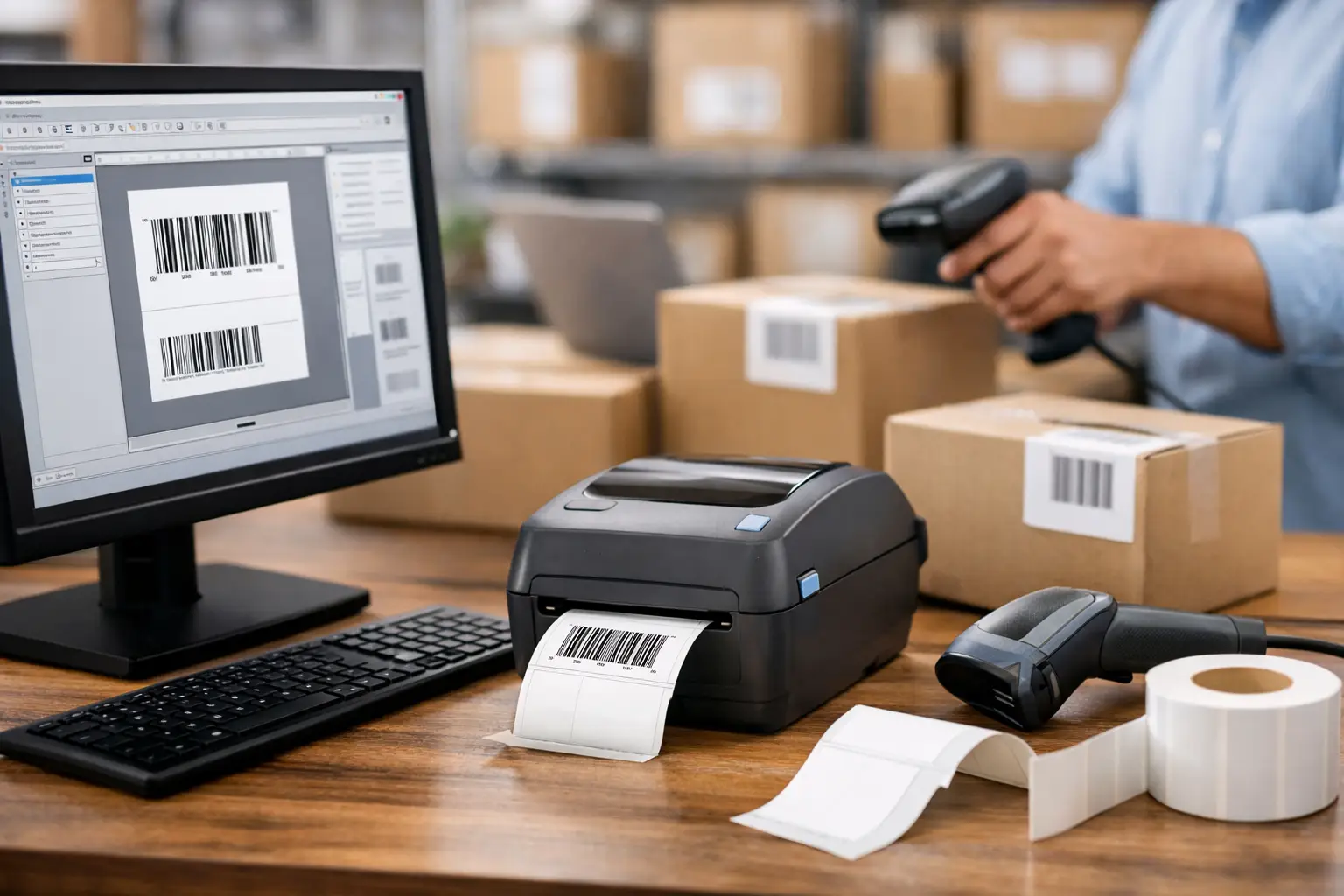
A barcode that will not scan can stop receiving, delay a shipment, create an inventory discrepancy, or trigger a compliance issue at the point of inspection. The best barcode labeling software prevents those problems before a label reaches the printer. It gives your team control over label design, barcode data, printer settings, and repeatable print processes without turning every label change into an IT project.
For manufacturers, warehouses, distributors, and logistics operations, software should be evaluated as part of a complete labeling system. The right program must work with your thermal printers, label materials, ribbons, databases, and daily operating procedures. A low purchase price means very little if the software cannot produce the required symbologies, connect to your data, or receive support when production is waiting.
What Makes the Best Barcode Labeling Software?
The best choice depends on the labels you need to produce and the level of control your operation requires. A small stockroom printing a few shelf labels each week has different needs from a regulated manufacturer producing serialized product labels across multiple workstations. Still, dependable barcode labeling software shares several essential capabilities.
First, it must create standards-compliant barcodes accurately. Common linear codes such as Code 128, Code 39, UPC, EAN, Interleaved 2 of 5, and GS1-128 should be easy to configure. Many businesses also need 2D barcodes, including QR Code, Data Matrix, and PDF417, for traceability, compact data storage, shipping, and mobile scanning. The software should calculate check digits and apply barcode rules correctly rather than leaving critical validation to an operator.
Second, label design must be practical. Users should be able to place text, barcodes, graphics, lines, boxes, dates, counters, and variable fields where they belong. WYSIWYG design matters because a label that looks correct on screen but shifts when printed creates waste quickly. Precise control over fonts, rotation, alignment, and print position is particularly valuable for small product labels, high-density asset tags, and preprinted label formats.
Third, the software needs a reliable method for bringing in data. Manual entry is acceptable for low-volume applications or one-off labels. For recurring work, the program should pull variable data from spreadsheets, text files, databases, or business systems. This reduces rekeying, helps prevent transcription errors, and allows operators to print a series of labels from an approved data source.
Finally, printer communication cannot be an afterthought. Labeling software should support the thermal printers used in your operation and give the user control over print speed, darkness, label dimensions, and sensor settings. Thermal transfer and direct thermal processes have different requirements, as do paper labels, synthetic materials, tags, and specialty adhesives.
Choose Software for the Work at Hand
Start with the label applications that affect your operation most. Shipping labels may require carrier data, large 4 x 6 formats, and fast batch printing. Product identification labels may need lot numbers, expiration dates, ingredient data, and small barcode placement. Asset labels often require durable materials and sequential numbering. Compliance labels can add specific layout, symbol, language, and data requirements.
Write down the information that changes on every label. This may include part number, purchase order, lot code, serial number, customer name, weight, location, or date. Then identify where that information currently lives. If it comes from a spreadsheet, a straightforward import workflow may be enough. If it comes from an ERP, WMS, MES, or SQL database, look for data connectivity and automation features that fit the process.
Volume is another deciding factor. A program used by one person for occasional labels can be simple and manually driven. A receiving department printing hundreds of pallet labels per shift needs speed, repeatability, and safeguards. At higher volumes, establish label templates, limit editing permissions, and use prompted forms so users enter only the data they are authorized to change.
Do not overlook future requirements. A business may begin with carton labels and later add serialized labels, UDI formats, GS1 requirements, or multiple printer locations. Software that can grow with the operation helps avoid a disruptive replacement when labeling demands expand.
Match the Software to Your Printer and Media
Barcode quality is the result of the whole system, not software alone. A properly designed barcode can still fail if it is printed with the wrong ribbon, insufficient darkness, poor media selection, or an incorrect printer resolution. Conversely, quality labels and printers cannot correct invalid barcode data or a poorly sized symbol.
Confirm that the software supports your printer model and print language. Also confirm the label size, gap or mark sensing method, and required print resolution. Fine text and dense 2D codes may require higher resolution than basic shipping labels. For applications exposed to abrasion, chemicals, heat, moisture, or outdoor conditions, thermal transfer printing with the right label stock and ribbon is usually the more dependable choice.
A labeling specialist can help verify these details before purchase. That is often more valuable than selecting software in isolation and discovering later that the label format, printer, and consumables do not perform together.
Why EasyLabel Is a Strong Business Choice
EasyLabel by Tharo Systems has long been an established option for businesses that need professional barcode labeling without unnecessary complexity. It is designed around real operational tasks: creating labels, connecting variable data, printing accurately to thermal printers, and maintaining templates that staff can use consistently.
Its visual label design environment allows users to build labels with text, barcodes, graphics, counters, dates, and database fields. This is useful for everything from basic inventory labels to detailed manufacturing and compliance formats. Operators can work from controlled templates instead of rebuilding labels from scratch, which supports accuracy across shifts and departments.
EasyLabel also offers editions and capabilities suited to different levels of need. A simpler configuration may be appropriate for a single printer and manually entered data. More advanced requirements can call for database connectivity, automation, integration, or centralized label management. The right configuration should follow the application, not a generic feature checklist.
For businesses purchasing through The Label Guy, the advantage is access to a complete labeling source. Software can be selected alongside thermal printers, custom or stock labels, thermal transfer ribbons, and USA-based technical support. That reduces the risk of buying components that work individually but create problems when used together.
Features That Save Time After Installation
The best barcode labeling software is not merely easy to install. It should make ordinary work faster and more controlled months later. Look for features that reduce repeated setup and limit operator error.
Database-driven printing is one of the most useful capabilities for recurring label jobs. Instead of typing each SKU, lot number, or serial number, the operator selects a record or imports a prepared file. Variable fields populate automatically, and the label format remains fixed.
Serialization and counters are equally valuable when each label needs a unique identifier. The software should increment values correctly, preserve the expected format, and support prefixes, suffixes, leading zeros, and check digits where needed. For traceability programs, this prevents duplicate or skipped identification numbers.
Prompted data entry forms offer another practical control point. Rather than allowing users to edit the label layout, a form can ask for only the necessary information, such as work order, quantity, lot code, or expiration date. This shortens training time and protects approved label formats.
Printer calibration and preview functions also matter. A preview helps catch obvious placement and data errors before material is consumed. Calibration and print controls help maintain consistent output when labels, ribbons, or printer settings change. These details are not glamorous, but they directly affect uptime and waste.
Common Buying Mistakes to Avoid
The most common mistake is choosing on price alone. Basic label tools may handle a text label but fail when the business needs database fields, serialized values, 2D barcode controls, or printer-specific output. Replacing software after implementation costs more than selecting an appropriate system at the start.
Another mistake is assuming every barcode will scan because it appears visually correct. Barcode dimensions, quiet zones, resolution, contrast, and data structure all affect scan performance. Test printed labels with the scanners used in the field, especially when codes are small, printed on colored materials, or exposed to demanding environments.
Businesses also run into trouble when they treat supplies as interchangeable. The wrong ribbon can smear or scratch off. The wrong adhesive can lift from corrugated cartons, cold surfaces, or textured containers. The wrong direct thermal material can fade during storage or transport. Software selection should be paired with a review of the actual application conditions.
Finally, consider who will support the system. Labeling problems rarely arrive when the schedule is open. Experienced technical guidance can shorten troubleshooting when a printer will not calibrate, a barcode is not scanning, or a database-driven format needs adjustment.
Build a Labeling System That Holds Up
A sound purchase process starts with a sample label, the data source behind it, the printer model, expected print volume, and the conditions the label will face. With those details defined, it becomes much easier to select software that fits the workflow instead of forcing the workflow to fit the software.
The right barcode labeling system gives your team repeatable templates, scannable codes, dependable printer output, and a clear path for future growth. When each component is selected to work together, label printing becomes a controlled operational process rather than a daily source of exceptions.