
Product Identification Labels for Manufacturers
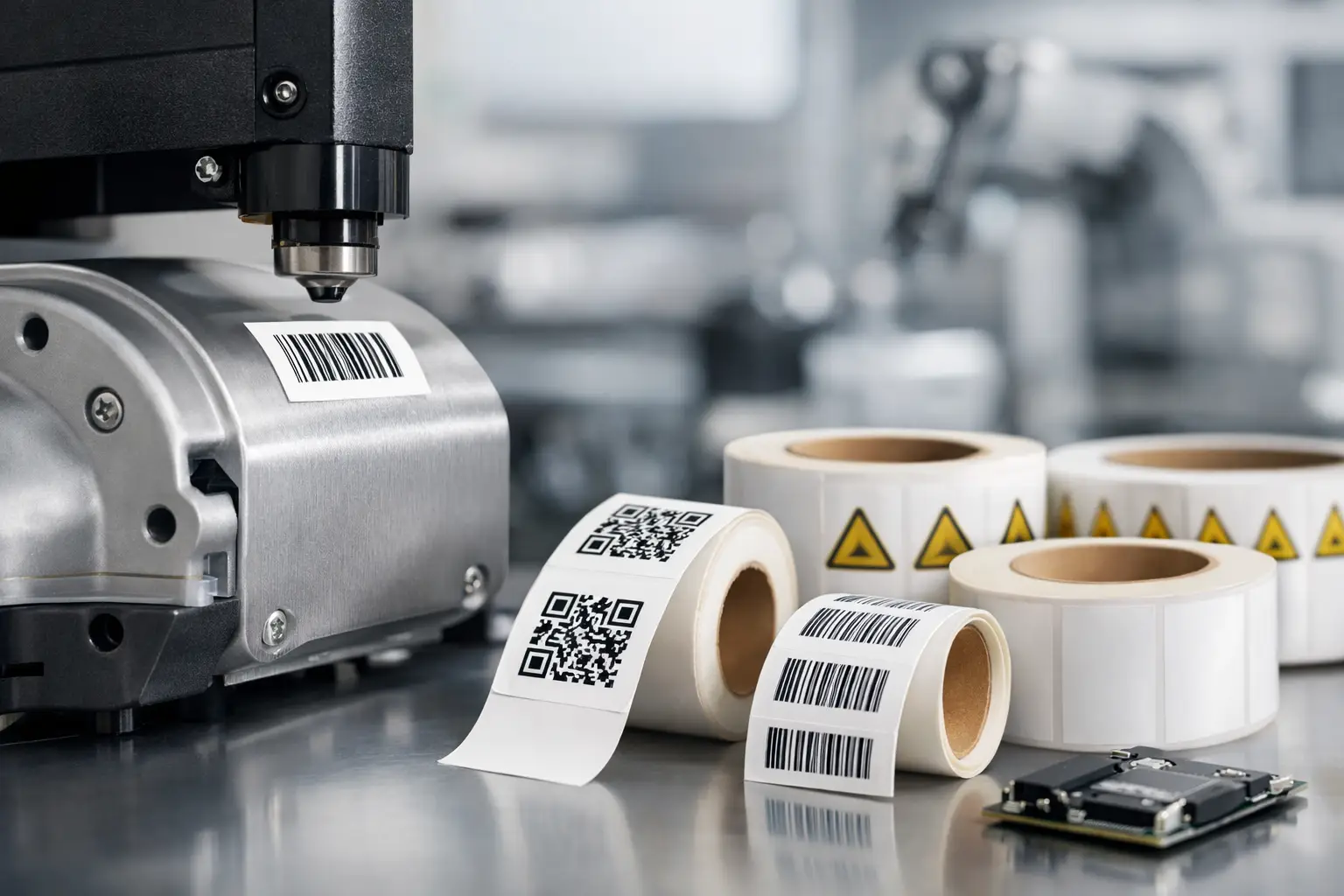
A production line can be running on schedule and still lose time because a carton label will not scan, an asset tag falls off, or a product marking cannot survive a washdown cycle. Product identification labels for manufacturers are not a minor packaging detail. They are a working part of traceability, inventory control, quality documentation, shipping accuracy, and regulatory compliance.
The right label system makes information available where it is needed: on the part, tote, pallet, shelf, chemical container, finished unit, or shipping carton. The wrong system creates relabeling, scan failures, production delays, chargebacks, and avoidable questions during an audit. The practical goal is simple: produce readable, durable labels at the point of need without making the process difficult for operators.
What Product Identification Labels Must Accomplish
A manufacturing label has to do more than carry a product name. Depending on the operation, it may identify a SKU, lot number, serial number, work order, date code, revision level, country of origin, hazard information, barcode, or 2D code. That information needs to remain accurate from receiving through production, warehousing, shipment, and sometimes field service.
Traceability is often the central requirement. When a quality issue occurs, a readable lot or serial number can help isolate affected material instead of forcing a broader and more expensive investigation. In serialized operations, the label may provide the record that connects a physical product to inspection results, component history, maintenance records, or customer documentation.
The environment determines how demanding the label must be. A paper label may be entirely appropriate for a clean, dry shipping carton that moves quickly through the warehouse. It is not the right choice for a component exposed to oil, abrasion, outdoor weather, freezer temperatures, solvents, or repeated cleaning. Selecting materials based only on initial price usually shifts cost into replacement labor, missed scans, and damaged inventory records.
Choosing Product Identification Labels for Manufacturers
Start with the application, not the printer or the label size. A useful specification identifies the surface, exposure conditions, expected service life, label dimensions, required data, barcode symbology, and whether labels will be applied by hand or by an automated applicator. These details narrow the material and adhesive choices quickly.
Match the Facestock and Adhesive to the Surface
The surface being labeled matters as much as the operating environment. Corrugated boxes, smooth painted metal, rough castings, polyethylene containers, powder-coated equipment, and curved plastic bottles do not accept adhesive the same way. Dust, oil, cold, moisture, and low surface energy plastics can further reduce bond strength.
Paper labels are economical for general warehouse, carton, and short-term work-in-process identification. Synthetic materials such as polypropylene and polyester offer better resistance to moisture, tearing, and handling. Polyester is frequently selected for durable asset labels, equipment identification, and applications requiring higher resistance to heat or chemicals. Specialty constructions may be needed for extreme temperatures, aggressive chemicals, difficult plastics, or permanent tamper-evident identification.
Adhesive selection should be based on real operating conditions. Permanent adhesive is common, but removable adhesive may be necessary for reusable totes, temporary inspection labels, or staging locations. Freezer-grade adhesive, high-tack adhesive, and adhesives designed for textured or low-energy surfaces solve specific problems, but each should be tested on the actual substrate. A sample that looks good for an hour may fail after a temperature cycle, washdown, or extended handling period.
Select Print Technology for Durability and Volume
Direct thermal printing uses heat-sensitive label stock and does not require a ribbon. It is efficient for short-life labels such as shipping, receiving, and temporary inventory labels. The trade-off is durability. Heat, sunlight, abrasion, and some chemicals can darken or fade the image over time.
Thermal transfer printing uses a ribbon to transfer the image onto the label. It is the stronger choice when labels must remain readable through production, storage, transport, or outdoor exposure. Wax ribbons work well for many paper applications. Wax-resin and resin ribbons provide increasing levels of scratch, smear, chemical, and heat resistance when paired with compatible synthetic label materials.
The label, ribbon, and printer should be treated as one system. A premium label cannot compensate for an incompatible ribbon, poor print settings, or a printhead that is not suited to the required resolution. Likewise, a high-performance resin ribbon may be unnecessary expense for a short-term carton label. The correct combination depends on the application and expected label life.
Build Barcode Quality Into the Design
A barcode is only useful if scanners can read it consistently. Code selection, X-dimension, contrast, quiet zones, print resolution, and placement all affect performance. A code that scans at a desktop test station may fail on a conveyor, in a cold warehouse, or under a worn handheld scanner.
Linear barcodes remain effective for many inventory and product applications, while 2D codes can hold more information in less space and support direct part marking programs. The best choice depends on customer requirements, available label area, scanning equipment, and the data that must travel with the product. Do not reduce barcode size simply to fit more text on a label. Readability has to come first.
For labels that support compliance, include human-readable text alongside machine-readable data when practical. Operators, inspectors, and customers may need to verify a lot number or date code without a scanner. Clear fonts, logical field order, and adequate spacing reduce errors on the floor.
A Labeling Workflow That Supports Production
Reliable product identification starts with dependable data. If part descriptions, lot numbers, revision codes, or customer-specific formats are manually typed every time, the chance of error rises quickly. Label design software should pull from controlled databases, ERP exports, spreadsheets, scales, scanners, or operator prompts as appropriate for the process.
EasyLabel software is built for practical industrial labeling workflows, allowing users to design labels, connect variable data, create barcode formats, and manage repeatable print jobs without requiring advanced programming knowledge. That matters when a label format must be changed quickly for a new customer, engineering revision, or regulatory requirement without disrupting production.
Standardized templates also protect consistency across shifts and sites. A receiving label should print the same required fields every time. A finished-goods label should use the approved barcode format, description, and customer data. Permissions and controlled templates can prevent well-meaning operators from changing a label layout in a way that creates downstream problems.
A complete system should account for more than label design. Consider printer duty cycle, print width, resolution, connectivity, media capacity, spare printheads, ribbon loading, and access to technical support. Desktop printers are effective for lower-volume stations and office-adjacent work areas. Industrial printers are generally better suited to continuous production, warehouse, and high-volume environments. Mobile printing can be useful for receiving, maintenance, and inventory work where the label needs to be created at the location of the item.
Common Failure Points to Prevent
Most label problems are predictable. They occur when materials are specified without testing, data fields are not controlled, or the printing process is treated as an afterthought. Manufacturers can avoid many of these issues by addressing the following conditions before deployment:
- Labels applied to dirty, cold, oily, or textured surfaces without verifying adhesive performance.
- Direct thermal stock used where heat, sunlight, or long-term readability will degrade the image.
- Barcodes printed too small, too dense, or with insufficient contrast for the scanning environment.
- Multiple label versions created manually, causing inconsistent part numbers, revisions, or customer formats.
- Printer, label, and ribbon selections made independently rather than as a tested combination.
Testing should reflect the actual process. Apply sample labels to production parts or packaging, then expose them to the conditions they will face. Test scan performance after handling, temperature changes, cleaning, and storage. This takes far less time than correcting a failed rollout across multiple lines or locations.
When Custom Labels Are Worth the Investment
Stock labels are often the right answer for common applications. They are readily available, economical, and well suited to standard shipping, inventory, and general identification work. Custom labels become more valuable when an operation needs a specific size, color, adhesive, material, preprinted information, consecutive numbering, or compliance format.
Preprinted color bands, warning statements, logos, or fixed product fields can improve recognition and reduce the amount of variable data printed on demand. Custom formats can also eliminate waste when standard label sizes do not fit a product, container, or equipment panel correctly. The decision comes down to volume, repeatability, application risk, and the cost of errors.
The Label Guy helps manufacturers bring printers, EasyLabel software, thermal transfer ribbons, stock or custom labels, and technical guidance into one coordinated labeling system. That single-source approach reduces the time spent troubleshooting compatibility problems between separate vendors.
A label should earn its place in the process. When it stays attached, prints clearly, scans on the first pass, and carries the right data every time, it gives production and warehouse teams one less reason to stop work.