
Barcode Labeling System Guide for Reliable Operations
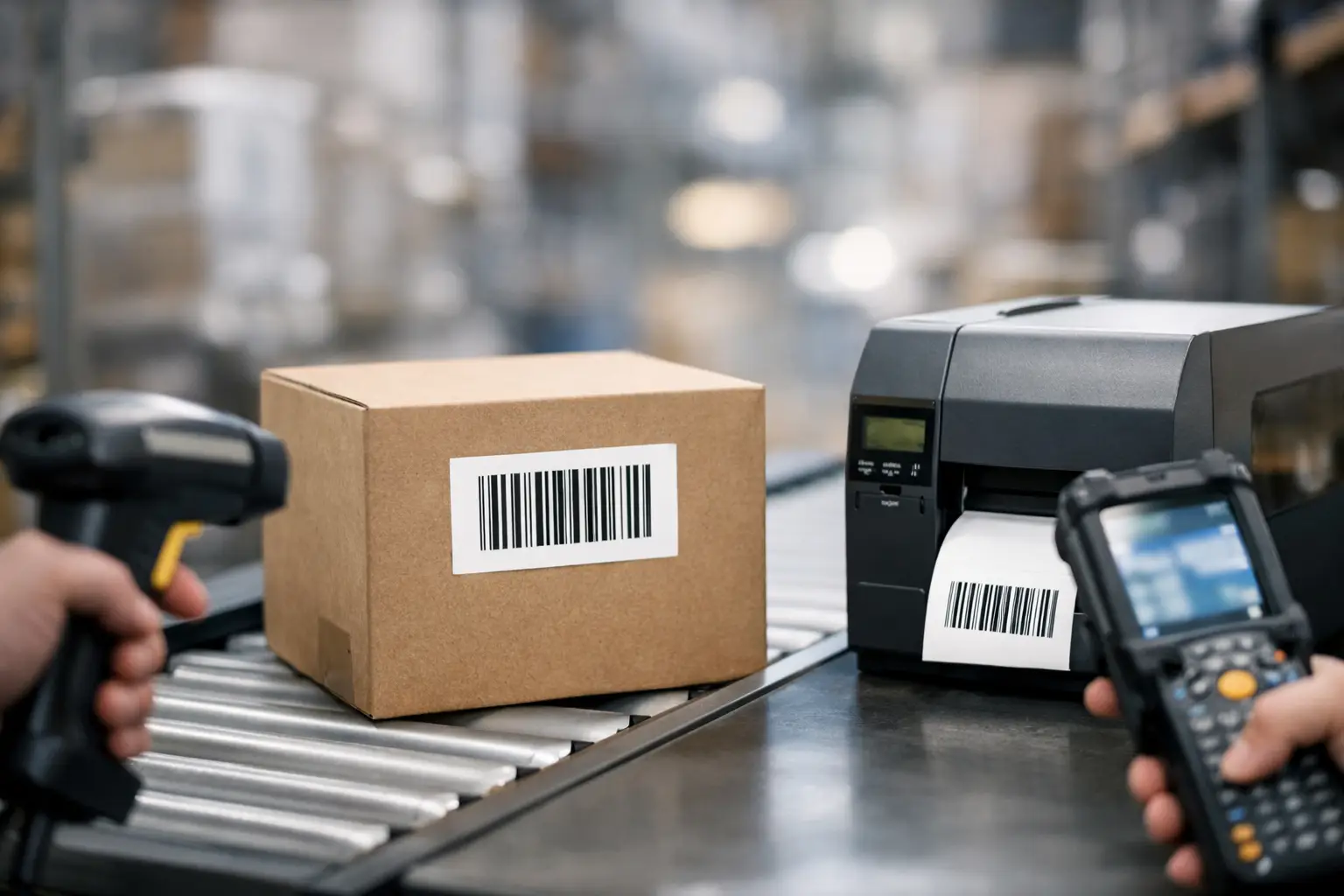
A barcode that scans perfectly at the packing station but fails at receiving is not a minor inconvenience. It creates delayed shipments, manual data entry, inventory discrepancies, and avoidable labor cost. This barcode labeling system guide is designed for operations teams that need a dependable way to create, print, apply, and scan labels throughout the business.
A working system is more than a printer on a desk. It is a coordinated combination of label design software, printing hardware, media, ribbons when required, and clear operating standards. When those components are selected as a system, labels remain readable, accurate, and durable from the first print through the final scan.
What a Barcode Labeling System Must Do
At its most basic level, a barcode labeling system converts business data into scannable identification labels. That may include a part number, SKU, lot code, serial number, location, shipment ID, expiration date, or customer-specific information. The system should produce the correct label on demand, in the required format, and with enough print quality to scan reliably in the actual working environment.
The requirement changes by application. A warehouse location label may need a large Code 128 barcode that scans from several feet away. A medical device label may need small text, a 2D symbol, lot traceability, and durable adhesive. A shipping label may require carrier data, changing addresses, and fast print throughput. The right system begins with the job the label must perform, not with the lowest-priced printer.
A complete setup has four connected elements: software to design and control labels, a printer matched to volume and print method, label stock suited to the surface and environment, and thermal transfer ribbon when durability requires it. Scanner compatibility, database access, and operator workflow also matter. A weak decision in any one area can reduce the value of the rest.
Start With the Label Application
Before selecting equipment, define where the label goes, what data it contains, how long it must remain readable, and how it will be scanned. These answers determine material, adhesive, barcode size, print resolution, and printer class.
Consider the surface first. Corrugated cartons, poly bags, painted metal, textured plastic, cold storage containers, and curved chemical bottles all behave differently. A standard paper label may work well for indoor inventory cartons but fail on an oily part or in a freezer. Likewise, a label that stays on a product is not necessarily a label that survives abrasion, moisture, chemicals, sunlight, or repeated handling.
Then consider the scanning environment. Barcodes printed at a small size need adequate contrast and proper quiet zones, the blank areas around the barcode. A symbol may look sharp to the eye and still scan poorly if it is too dense for the printer resolution, too close to other printed elements, or placed over a wrinkle in the label. If labels are scanned from a distance or through shrink wrap, test the actual use case rather than relying only on screen proofs.
Variable data is another decision point. If every label has the same information, a simple template may be enough. If labels pull item descriptions, quantities, locations, serial numbers, or customer data from an ERP, WMS, spreadsheet, or database, the software needs reliable data connection and automation capability.
Choose Label Software That Controls the Process
Label software is the operating center of the system. It controls label layout, barcode symbology, variable fields, data sources, printer settings, and print security. For many businesses, software selection has a larger long-term impact than the initial printer purchase because it determines how easily the operation can adapt when products, customers, and compliance rules change.
EasyLabel software is built for businesses that need professional barcode label design without forcing every operator to become a programmer. It supports barcode creation, variable data, serialized labels, database-driven printing, RFID capabilities in applicable configurations, and label formats for a wide range of operational uses. The practical benefit is consistency: approved label formats can be used repeatedly instead of recreated manually at each workstation.
For controlled workflows, restrict who can change a label format and who can only print it. This helps prevent a familiar problem: an employee adjusts a template to solve one immediate issue, then unknowingly changes a barcode or compliance field used across an entire order. Use named formats, revision control, and a documented approval process for labels tied to customers, regulated products, or traceability programs.
Software should also fit the operator. A receiving clerk needs a fast, simple print screen. A label administrator may need database connections, conditional fields, and advanced formatting tools. One system can support both roles when the design work is separated from routine printing.
Match the Printer to Volume and Print Method
Thermal printers are commonly available in direct thermal and thermal transfer configurations. The choice is practical, not cosmetic.
Direct thermal printing uses heat-sensitive label material and does not require a ribbon. It is a strong choice for short-life labels such as shipping labels, temporary work-in-process labels, receipts, and indoor logistics applications. It reduces consumable complexity, but direct thermal images can darken with heat exposure and may fade from abrasion, sunlight, or extended storage.
Thermal transfer printing uses a ribbon to transfer ink onto the label. It generally provides better durability and material flexibility, making it appropriate for product identification, asset tags, compliance labels, industrial environments, and applications exposed to handling or changing conditions. The trade-off is that ribbon selection becomes part of the specification. Wax, wax-resin, and resin ribbons each offer different cost and resistance characteristics.
Printer capacity matters just as much. A desktop unit may be appropriate for a low-volume office, sample room, or service counter. A midrange industrial printer can support regular warehouse and manufacturing use. High-volume operations may need industrial printers with faster output, larger media capacity, stronger construction, network connectivity, and less downtime during consumable changes.
Do not select print resolution by assuming more is always better. Standard 203 dpi is sufficient for many shipping, inventory, and carton labels. Higher resolution, such as 300 dpi or above, is useful when printing small labels, dense 2D codes, fine text, or detailed graphics. Higher resolution can increase cost and may reduce print speed, so choose it where the label design truly demands it.
Select Labels and Ribbons as a Matched Pair
Labels and ribbons are not interchangeable commodities when scan performance and durability matter. The face stock, adhesive, liner, ribbon coating, printer settings, and application surface need to work together.
Paper labels are economical for dry indoor applications. Synthetic materials such as polypropylene and polyester offer better moisture, tear, and chemical resistance. Adhesives range from general-purpose permanent formulations to removable, freezer-grade, aggressive, and specialty options. A label that is technically durable can still fail if its adhesive cannot bond to the actual surface temperature and texture.
For thermal transfer printing, wax ribbons are often suitable for paper labels and general warehouse use. Wax-resin ribbons improve scratch resistance and work well across many coated paper and synthetic applications. Resin ribbons provide the highest level of resistance for demanding synthetic-label applications, but they cost more and need compatible materials. The right choice depends on exposure, handling, and required label life.
Test before standardizing. Print a sample, apply it to the real surface, and expose it to the conditions it will face. Scan the barcode after handling, refrigeration, cleaning, shipment, or storage as applicable. That small validation step is far less expensive than relabeling inventory or dealing with rejected customer shipments.
Build Labels for Scan Accuracy and Compliance
Barcode design needs to balance data requirements with physical space. Packing too much information into a small barcode can create a symbol that is difficult to print and scan. Choose the correct symbology for the application, then size it appropriately for the printer, scanner, and available label area.
Linear barcodes such as Code 128 remain common for internal inventory, shipping, and product identification. 2D codes such as Data Matrix and QR codes store more data in less space, but they require proper print quality and compatible scanners. Industry or customer requirements may specify a particular barcode type, check digit, human-readable text, or label layout. Follow those rules exactly rather than approximating the design.
Include human-readable information where it supports exception handling. When a scanner is unavailable or a barcode is damaged, operators still need a visible part number, lot number, or location identifier. Clear text, logical field placement, and consistent label orientation reduce errors on the floor.
Plan for Integration, Support, and Growth
A barcode labeling system should fit existing operations instead of creating a separate manual process. For simple needs, an operator may enter data directly or print from a spreadsheet. For higher-volume work, connecting software to a database or business system can reduce keystrokes and prevent transcription errors.
The best approach depends on data quality. Automating a poor or unverified data source only prints mistakes faster. Confirm field mapping, test sample records, establish who owns label data, and define what happens when a record is incomplete. Make reprints traceable when serial numbers, lot codes, or regulated data are involved.
Support should be part of the purchase decision. Printer configuration, driver settings, media calibration, ribbon selection, and software setup can affect output immediately. The Label Guy supplies the core elements of a labeling system and provides USA-based technical support, helping buyers avoid the fragmented process of sourcing software, hardware, labels, and ribbons from unrelated vendors.
Put the System Into Production Carefully
A successful rollout starts with a pilot label and real-world testing. Validate scan rates at the point of use, verify data against source records, confirm label adhesion, and train operators on loading media, selecting formats, and recognizing poor print quality. Keep approved label specifications on file, including printer settings, material details, ribbon type, and application instructions.
Once the system is in place, review it when products, packaging, warehouse conditions, customer requirements, or compliance rules change. A barcode labeling system is most valuable when it becomes a controlled operational process, not just another piece of equipment. Build it around the labels your operation must trust, and every scan can move work forward instead of creating another exception.