
How to Print Pallet Labels That Scan Every Time
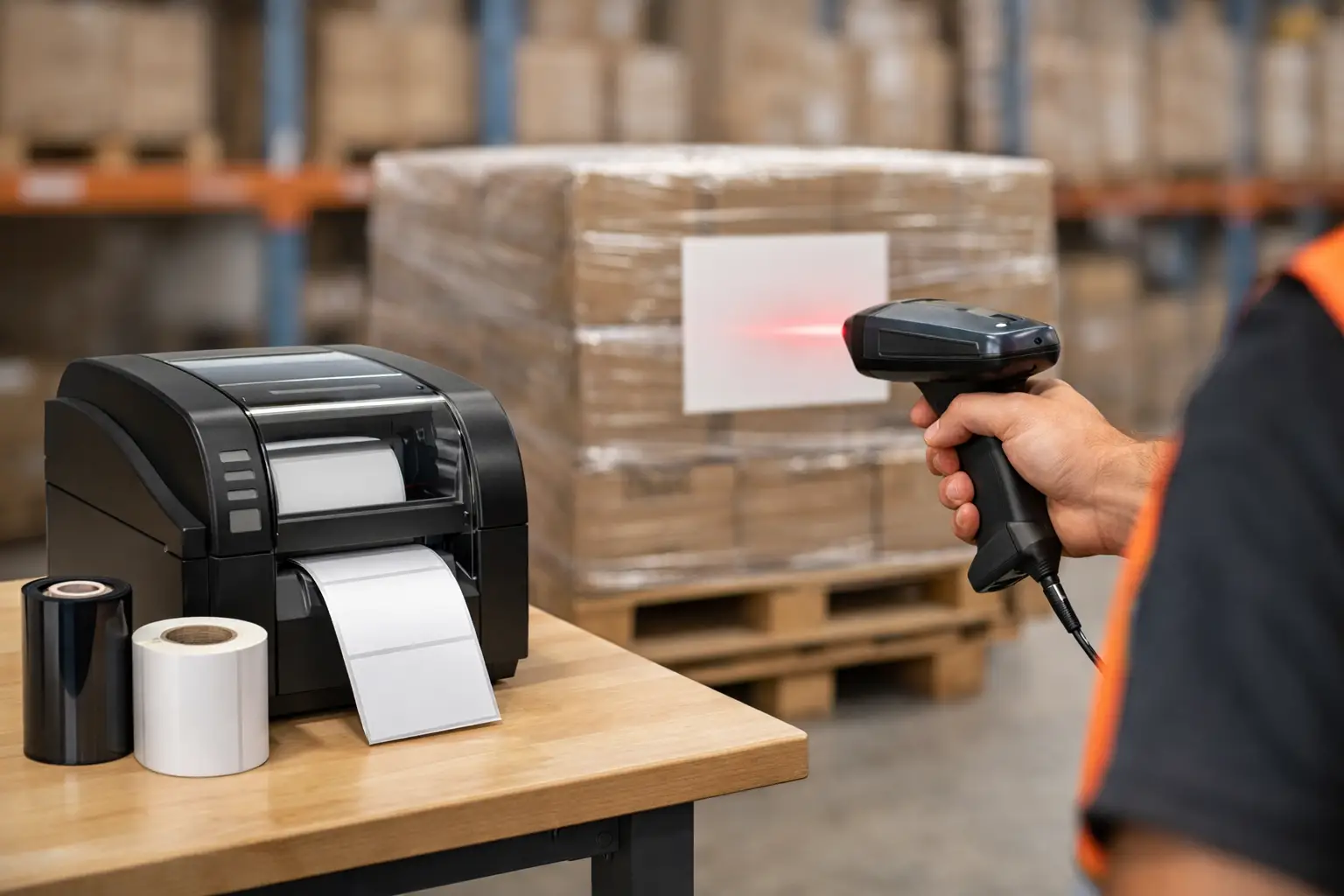
A pallet can be perfectly wrapped, staged, and shipped on time, yet still create a receiving problem if its label will not scan. Knowing how to print pallet labels correctly means more than putting a large barcode on a 4-by-6 label. The label must carry the right data, use the correct barcode standard, survive handling and storage, and remain easy for people and scanners to read from the moment it leaves your dock.
For manufacturers, distributors, and warehouse teams, pallet labeling is an operational control point. A clear, scannable pallet label helps prevent receiving delays, inventory errors, chargebacks, and traceability gaps. The best process starts with the shipping requirement, then matches the label design, printer, ribbon, and verification method to the actual environment.
Start With the Customer or Compliance Requirement
Before selecting label stock or opening label design software, confirm what the destination requires. Retailers, 3PLs, government agencies, and large manufacturers may specify a GS1 logistics label, an SSCC barcode, a unique handling unit number, a purchase order number, a lot number, or a particular label size and placement. A label that looks acceptable internally can still fail at a customer receiving dock if the barcode type or data format is wrong.
A standard logistics pallet label commonly includes a Serial Shipping Container Code, or SSCC, encoded in a GS1-128 barcode. The SSCC identifies one specific handling unit, not merely the item on the pallet. Depending on the shipment, the label may also include GTIN data, quantity, batch or lot information, production dates, ship-to details, and human-readable text.
Do not reuse an SSCC for a different pallet. The number must be unique for the handling unit during its useful traceability period. If your operation creates pallet labels from an ERP, WMS, or shipping system, ensure the source data is current and that the numbering logic prevents duplicates.
Choose a Pallet Label Size That Fits the Job
Four-by-six-inch thermal labels are common in shipping operations, but they are not always the best choice for a pallet. A pallet label has to be readable at a practical distance, often while the pallet is wrapped, staged tightly, or moving through a warehouse. For many logistics applications, a 4-by-6 or 4-by-8 label works well when the layout is disciplined and the barcode is sized properly. Larger formats may be needed when there is more compliance information or when scanning distance is greater.
Avoid filling every available inch with data. Pallet labels need enough white space around the barcode, called the quiet zone, for scanners to identify the symbol reliably. If the barcode is compressed to accommodate too much text, print quality and read performance can suffer.
The label material also matters. Paper direct thermal labels can be economical for short-duration indoor shipments, especially when labels are applied shortly before delivery. They are a poor choice where heat, sunlight, abrasion, moisture, freezer storage, or long dwell times may affect readability. Thermal transfer printing with a suitable ribbon provides a more durable image and is often the better option for warehouse, industrial, and extended supply-chain use.
Build the Label Layout Around Scanning First
A good pallet label design tells the operator what matters without forcing a scanner to work too hard. Put the primary barcode in a prominent position and use readable human-readable text beneath or near it. Do not place the barcode too close to the edge, a fold, a label seam, or a stretch-wrap wrinkle.
Use the barcode symbology required by the trading partner. For GS1-128 labels, application identifiers must be encoded correctly, and the human-readable interpretation should make sense to the people handling the shipment. A barcode can scan successfully while still containing incorrect data, so visual review is not enough.
Your label design software should make it easy to pull variable fields from a database, spreadsheet, WMS, or ERP export. EasyLabel has been a leading label design platform since 1982 and is used worldwide by thousands of companies, including large enterprises and government agencies. It supports practical variable-data labeling without requiring a subscription or support contract, which can be a meaningful cost and support advantage over software that places ongoing access behind recurring fees.
Keep data fields consistent
Use the same field naming and format rules throughout the operation. For example, establish whether a lot code is numeric, alphanumeric, fixed length, or variable length before the label template is released. This reduces mistakes when different shifts, facilities, or customers use the same labeling process.
When a label includes dates, specify the format in the template rather than leaving it to individual users. A date formatted as 03/04/26 can mean different things to different recipients. A standardized format such as YYYY-MM-DD removes ambiguity.
Select the Right Thermal Printer and Ribbon
Pallet labels require a printer built for the volume and duty cycle of the operation. A desktop printer may be suitable for occasional labeling, but a warehouse that prints labels throughout the day needs an industrial thermal printer with dependable media handling, a durable print mechanism, and accessible replacement parts.
Print resolution depends on the label design. A 203 dpi printer is often sufficient for large pallet barcodes and standard text. A 300 dpi model can provide a cleaner result for smaller text, dense barcodes, or detailed compliance formats. Higher resolution is not automatically better if it slows output or adds cost without improving the label’s actual scan performance.
For thermal transfer labels, match the ribbon to the label material and environment. Wax ribbons are economical for coated paper labels used in moderate conditions. Wax-resin ribbons improve resistance to smudging and abrasion. Resin ribbons offer the strongest durability on synthetic materials but cost more and require compatible stock. The lowest-cost ribbon is rarely the best value if labels smear during transport or fail after freezer storage.
Tharo H- and T-Series industrial printers are a practical option for operations that need dependable pallet label output without the premium cost of some flagship competitors. Their 4-inch 203 and 300 dpi models carry a two-year or 2-million-printed-inch warranty, while 600 dpi and 6-inch models carry a one-year or 1-million-printed-inch warranty. Replacement printheads are generally less expensive than comparable competitor replacements, which can lower the long-term cost of ownership.
How to Print Pallet Labels Without Creating Rework
Once the format is approved, the actual print process should be controlled rather than improvised. Start by loading the correct label size and ribbon, then calibrate the printer so it detects the label gap or mark accurately. Incorrect calibration can cause drifting print position, skipped labels, or barcodes that print partly off the stock.
Before running a full batch, print one test label using live production data. Check that the product description, shipment number, quantity, lot code, destination, and barcode text match the source record. Confirm that the barcode is dark enough, sharp at the edges, and surrounded by clear quiet zones.
Then scan the test label with the same type of scanner used on the dock or in the receiving process. If you ship to customers with formal barcode quality requirements, use a barcode verifier rather than relying only on a handheld scanner. A scanner confirms that a symbol can be decoded. A verifier grades print quality and can identify issues such as low contrast, excessive reflectance, poor edge definition, or inadequate quiet zones before labels reach a customer.
For batch printing, use print jobs that are tied directly to the transaction or handling-unit record. Manually typing pallet data into a label template creates unnecessary risk. Automation through a data file, database connection, or system integration improves consistency and makes reprints traceable.
Apply Labels Where They Will Stay Visible
Print quality is only half the job. The label must be applied to a clean, dry, reasonably flat surface. Wrapping a label around a corner, applying it across torn corrugate, or placing it under excessive stretch-wrap glare can make scanning difficult.
For most palletized shipments, apply labels on at least two adjacent sides so they can be scanned from more than one approach. Common guidance places labels at a consistent height where forklift operators and receiving personnel can access them without bending to the floor or reaching above the load. Your customer’s routing guide takes priority if it specifies exact placement.
Apply the label after final palletization whenever possible. If a label is printed before the final quantity, lot assignment, or destination is confirmed, it may need to be destroyed and reprinted. That is wasted material, but more importantly, it creates an opportunity for the wrong label to remain on the pallet.
Avoid the Most Common Pallet Label Failures
Most failures are preventable. The recurring problems are usually incorrect data, a barcode that is too small or poorly positioned, unsuitable label materials, weak ribbon selection, uncalibrated printers, and no verification step. Another frequent issue is a printhead that has accumulated adhesive or debris, causing white streaks through the barcode.
Create a simple maintenance schedule for cleaning the printhead and inspecting rollers, sensors, and label paths. Use approved cleaning supplies and replace damaged printheads before poor print quality becomes a shipping problem. It is less expensive to maintain a printer than to troubleshoot failed scans across multiple shipments.
A complete pallet labeling system should reduce handoffs between software, printer, labels, ribbon, and support. The Label Guy supplies the components and technical guidance needed to build that system from one specialized source, with USA-based support and free ground shipping in the 48 contiguous states on qualifying orders over $100.
The next time a pallet is ready to ship, treat its label as part of the shipment itself, not an afterthought. A correctly designed, printed, verified, and applied label gives every downstream team a reliable way to identify what they are handling.