
How to Encode RFID Asset Labels Correctly
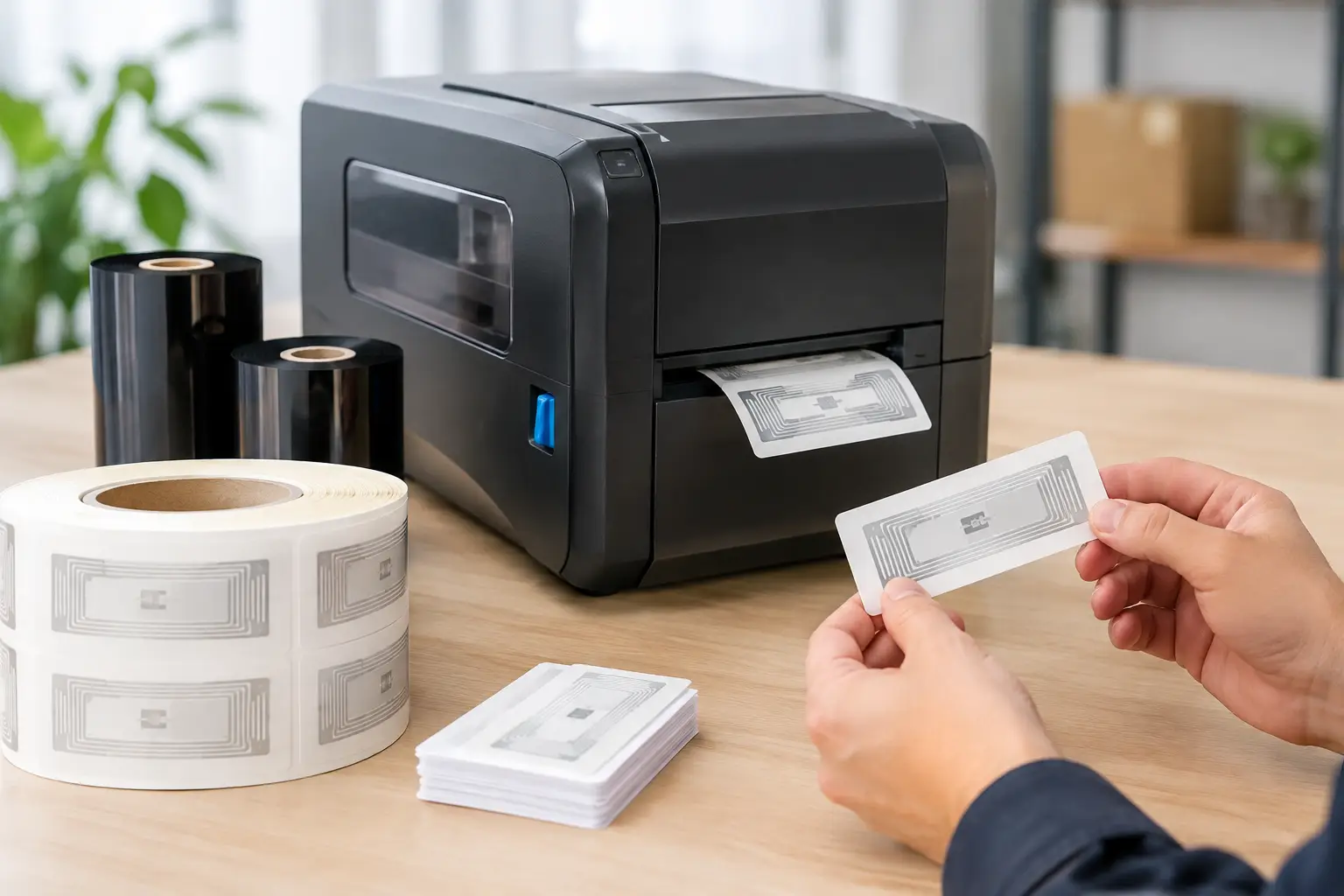
A missing forklift, calibration tool, laptop, or returnable container can create far more disruption than its replacement cost suggests. To encode RFID asset labels correctly, you need more than a printer that can write a chip. You need a defined data structure, labels designed for the asset and environment, and a verification process that confirms every tag can be read when the asset is in service.
RFID asset labeling gives operations teams a practical way to identify and track individual assets without relying on line-of-sight barcode scans. But the result depends on the quality of the encoding process. A poorly selected inlay, duplicate identifier, unreadable tag, or mismatched software field can turn an asset-tracking project into a source of bad data.
Start With the Asset-Tracking Objective
Before choosing an RFID label or assigning a number, define what the label must accomplish. An organization tracking IT equipment in an office has different requirements than a manufacturer tracking metal tools, reusable totes, or assets exposed to heat, chemicals, and outdoor conditions.
For many asset-tracking applications, a passive UHF RFID label is the practical choice. It can be read from a distance, does not need a battery, and can carry a unique identifier that connects the item to a record in your asset-management, inventory, maintenance, or enterprise system. The chip does not need to hold every detail about the asset. In most cases, it should hold a unique ID, while the database stores the asset description, location, condition, owner, service history, and other changing information.
That distinction matters. Writing too much information to each tag can make the program harder to manage, especially when asset details change. A stable serialized identifier provides a cleaner foundation for reporting and audits.
Choose the Right Data to Encode RFID Asset Labels
The Electronic Product Code, or EPC, is commonly used as the primary RFID identifier. For closed-loop asset management, the EPC may be a company-controlled serialized number rather than a retail product identifier. What matters is consistency: each asset must receive one unique value, and that value must map reliably to one asset record.
A useful encoding plan should answer a few operational questions. Will the RFID number be generated by your asset-management system, by label design software, or from an imported spreadsheet or database? Does the number need a site, department, asset class, or ownership prefix? Will the same asset ever move between facilities that use separate systems?
Avoid assigning IDs manually whenever possible. Manual entry increases the chance of skipped numbers, duplicate values, and transcription errors. Label software that can serialize numbers and pull data from a database gives you better control, particularly when labels are printed in batches.
Some operations also use the chip’s user memory for limited supplementary data. This can be appropriate when a reader needs access to a short piece of information without querying a database. It is not always necessary, and user-memory capacity varies by chip. It also adds another field that must be maintained correctly. For most programs, a properly structured EPC and a strong database connection are enough.
Match the RFID Label to the Asset Surface
The RFID inlay is not interchangeable across all applications. The antenna and chip must perform on the actual surface where the label will be applied. Metal, liquids, curved surfaces, dense materials, and nearby RF interference can all affect read performance.
A standard RFID paper label may work well on corrugated cartons, plastic bins, and many nonmetal assets. It can perform poorly on a metal cabinet, steel tool, or liquid-filled container because those materials change the RF behavior of the antenna. For those situations, use an on-metal RFID label or hard RFID tag specifically designed for the intended surface.
Durability is equally important. A label for a warehouse rack might only need a durable adhesive and readable printed text. A tag used on field equipment may need abrasion resistance, weather resistance, chemical resistance, or a thicker construction that survives repeated handling. The printed face stock, adhesive, thermal transfer ribbon, inlay, and application surface must work together.
Do not select a label solely on its size or price. Test sample labels on the actual asset, in the real operating environment, and with the readers you intend to use. A tag that reads well on a bench can behave differently after it is applied to a curved metal asset or placed near other tagged items.
Use RFID-Capable Hardware and Label Software
Encoding requires an RFID-enabled thermal printer, not simply a standard barcode printer. The printer must support the frequency range and inlay type used by your program, and it must be calibrated to position the RFID chip correctly during printing. The printer writes data to the inlay, verifies the result, and then prints the human-readable text and barcode on the label face.
The label design software is the control point for what gets printed and what gets encoded. It should let operators place fixed text, variable fields, barcodes, and RFID data on one label format. It should also support serialization and database-driven printing so the label’s visible asset number matches the number written to the chip.
EasyLabel is well suited to this kind of controlled label production. It has been a leading label design platform since 1982 and is used by thousands of companies worldwide, including large enterprises and government agencies. Unlike software that requires ongoing subscriptions or support contracts for assistance, EasyLabel does not require either. For operations that need dependable RFID and barcode labeling without recurring software obligations, that difference can affect long-term cost and purchasing flexibility.
If you pair EasyLabel with a Tharo RFID-capable printer, support stays straightforward. Your team has one USA-based support contact for the software and printer rather than being passed between separate vendors. Tharo printers can also be a cost-effective alternative to flagship industrial models, with replacement printheads that are generally less expensive than comparable competitor parts.
Build Verification Into Every Print Job
Writing data to a chip is not the same as proving the label is ready for use. A sound RFID printing workflow verifies the encoded data during production and marks or rejects labels that fail. Most RFID printer configurations can be set to verify the write operation and handle failed labels according to the job settings.
Verification should also include the printed label face. The text, barcode, and RFID value must agree. If an asset label displays one serial number while the chip contains another, the asset may appear correctly labeled to a person but fail during RFID inventory or audit activity.
Use a handheld RFID reader to perform periodic quality checks away from the printer. This confirms the tag reads at expected distances after application and in the real storage or work environment. Check labels on representative assets, including the most difficult surfaces and locations. Testing only easy applications creates false confidence.
A practical quality-control routine includes checking for these issues:
- Duplicate EPC or asset numbers in a print batch.
- Failed RFID writes or tags that were not properly rejected.
- A mismatch between printed text, barcode data, and RFID data.
- Reduced read range caused by the application surface or label placement.
- Damage from heat, abrasion, cleaning chemicals, or routine handling.
Standardize Label Placement and Handling
The same tag can perform differently based on where it is placed. A label applied beside a metal edge, under a handle, near a battery, or against a dense liquid container may have less reliable read performance. Establish a placement standard for each asset type and document it for the people applying labels.
Placement also affects usability. Put the printed asset number where staff can see it without moving the item. Keep the tag away from hinges, grip areas, seams, and high-abrasion zones. For assets that undergo frequent cleaning or repair, choose a location that remains accessible but protected.
Operators should apply labels to clean, dry surfaces and allow the adhesive to set according to the material requirements. If labels are being applied to assets with oils, textured coatings, powder-coated metal, or extreme temperatures, review the adhesive recommendation before committing to a large run.
Treat RFID Encoding as a Managed Process
The best RFID programs are controlled processes, not one-time label projects. Maintain a record of the label stock, inlay, printer settings, EPC format, and software template used for each asset category. When a new facility, reader, or asset type is added, test before deploying at scale.
This discipline makes troubleshooting much faster. If read rates decline, you can determine whether the cause is a changed label material, a different application surface, printer calibration, reader settings, or a data issue. It also protects against duplicate IDs as multiple departments begin producing asset labels.
The Label Guy can supply the RFID label materials, thermal printing equipment, ribbons, and EasyLabel software needed to build a coordinated workflow from one specialized source. Orders over $100 also qualify for free ground shipping within the 48 contiguous United States.
A properly encoded RFID asset label should do its job quietly: identify the right item, read reliably where work happens, and give your team trustworthy data when they need it.