
EasyLabel Software Review for Business Labeling
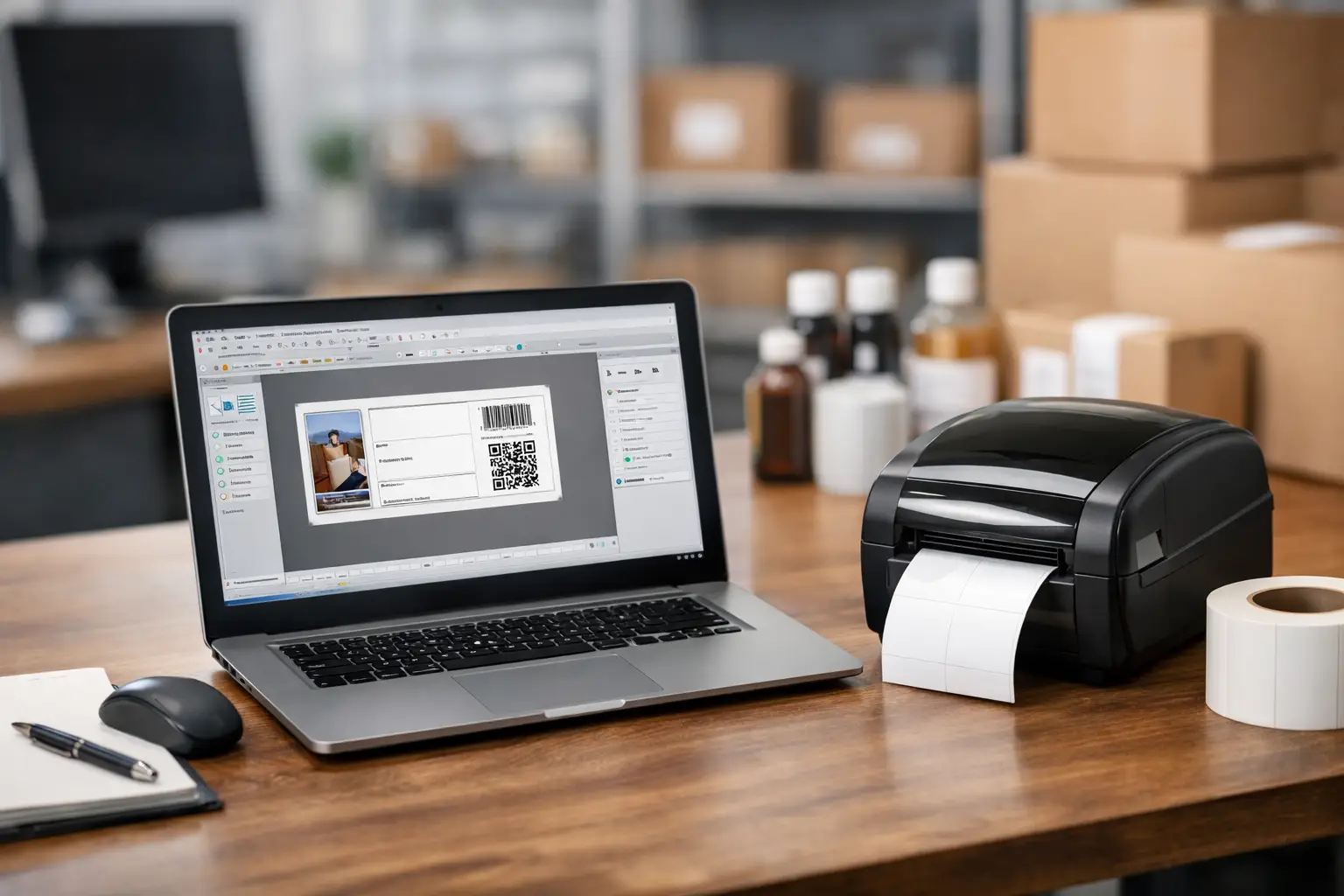
A label that scans incorrectly can stop a shipment, confuse an inventory count, or create a compliance problem that costs far more than the label itself. This EasyLabel software review looks at the platform from the perspective that matters to operations teams: whether it produces accurate, repeatable labels without turning routine print jobs into an IT project.
EasyLabel is established barcode and label design software from Tharo Systems. It is built for businesses that need more than occasional address labels, including manufacturers, warehouses, distributors, healthcare operations, and teams managing product identification or regulated information. Its value is not simply that it can print a barcode. The value is control over label format, variable data, printer output, and repeatable workflows.
What EasyLabel Is Designed to Do
EasyLabel gives users a visual workspace for designing and printing labels for thermal printers. A typical label can combine fixed text, variable text, barcodes, graphics, lines, shapes, dates, counters, and database-driven fields. That covers a wide range of daily jobs, from carton and pallet labels to asset tags, shelf labels, receiving labels, work-in-process identification, and product packaging.
For many businesses, the practical advantage is that label formats do not have to be recreated every time a product, customer, or shipment changes. A warehouse can use one approved format and pull in a different item number, lot code, quantity, or destination on each print run. A manufacturer can maintain a production label template with controlled fields for part number, revision, date, and serial number.
This approach reduces the temptation to make last-minute changes in a word processor or spreadsheet. Those workarounds may appear convenient until label dimensions shift, barcode sizing changes, or a user prints to the wrong printer setting.
EasyLabel Software Review: Core Strengths
The strongest case for EasyLabel is its focus on industrial labeling work. The interface is intended to make layout work accessible to everyday business users while still giving experienced teams the tools needed for more detailed label programs. You can place objects visually, set print quantities, define variable fields, and save label formats for future use.
Barcode generation is central to the software rather than an add-on. Businesses can create common one-dimensional and two-dimensional barcodes as part of the label design, then control the human-readable text and surrounding information needed by operators, customers, or inspectors. The exact symbologies available depend on the software edition and configuration, so buyers should match requirements to the edition before purchasing.
Variable data handling is another major strength. Many labeling operations need serial numbers that increment automatically, dates that update at print time, lot values entered by an operator, or product information pulled from a file or database. EasyLabel is designed for these changing-data scenarios. Instead of building hundreds of separate label files, teams can use a standardized layout and feed it the information needed for the current job.
Printer support also deserves attention. Label software only performs as well as its connection to the printer and media being used. EasyLabel is made for thermal label printing environments, where label size, print darkness, speed, sensor settings, ribbon selection, and printhead resolution all affect the result. The software can help bring label design and printer output into the same workflow rather than treating the printer as a generic desktop device.
Where EasyLabel Fits Best
EasyLabel is a strong fit for operations that print labels regularly and cannot afford inconsistency. A distribution center may use it for shipping, receiving, location, carton, and pallet labels. A manufacturer may need durable product labels, serialized asset tags, inspection labels, or packaging labels with lot and date information. A compliance-focused operation may need standardized content and barcode formats across several departments or facilities.
It is also a practical choice for companies moving beyond manual labeling. If staff members currently type into preprinted forms, use basic office software for label layouts, or maintain too many nearly identical label files, the move to purpose-built label software can improve control quickly. The gain is not just speed. It is the ability to preserve approved formats and reduce avoidable operator errors.
Businesses with multiple printers or media types should plan their setup carefully. A four-inch shipping label, a small electronics label, and a wide chemical container label can require different printer settings and material selections. EasyLabel helps manage label designs, but it does not eliminate the need to pair the right printer, ribbon, and label stock with the application.
Features That Matter in Daily Use
The most useful EasyLabel features are usually the ones that reduce repetitive work. Counters and serial-number fields can automate sequencing. Date and time fields can keep time-sensitive labels current. Prompted fields can give an operator a controlled place to enter order-specific or batch-specific information before printing.
Database and file connectivity can be especially valuable when labels depend on existing business data. Rather than rekeying SKU descriptions, customer part numbers, UPC values, or location codes, users can draw information from approved records. This can reduce transcription errors, although the setup should be tested thoroughly before it reaches the production floor. Clean source data is still essential. Software cannot correct a wrong item number that already exists in the database.
For companies using RFID, specialized barcode formats, or advanced data connections, edition selection matters. Higher-level capabilities may not be included in every license. A careful requirements review should identify the label size, printer model, barcode type, variable fields, data source, number of users, and any RFID or integration needs before choosing a version.
Trade-Offs to Consider Before Buying
No label software is a universal answer, and EasyLabel is most valuable when the operation has a genuine labeling workflow to manage. A very small business printing a few simple address labels per month may not need the feature depth of dedicated barcode software. In that situation, a simpler tool may be sufficient.
There is also a learning curve, particularly when moving from static labels to database-driven printing. Designing a fixed label is straightforward for many users. Building a template that prompts for values, pulls from a data source, serializes correctly, and prints consistently across equipment requires planning. The effort pays off when the format will be used repeatedly, but it should not be underestimated.
Printer compatibility should be confirmed before implementation. Thermal printers use different command languages, resolutions, and media sensing methods. A label designed at one resolution may need adjustment for another printer. Similarly, barcode readability depends on proper sizing, quiet zones, print quality, and label material. Testing the finished label with the actual scanner or customer system is a necessary step, not a final detail.
Finally, software is only one part of the labeling system. A well-designed label can still fail if the wrong adhesive is used, the ribbon does not match the label material, or the printer is poorly maintained. Companies should evaluate the complete system: software, printer, labels, ribbons, data, and support.
Getting More Value From an EasyLabel Installation
Start by documenting the labels that create the most operational risk. These are often shipping labels, product labels, serialized tags, inventory labels, or compliance labels that are printed in high volume. Define which information is fixed, which information changes, who is allowed to change it, and where each changing value comes from.
Next, build and test templates using the actual printer and supplies that will be used in production. Test at normal print speeds, not only during a one-label desktop trial. Scan barcodes with the scanners used on the floor. Check that text remains readable after handling, shipping, refrigeration, abrasion, or any other condition relevant to the application.
It is also wise to standardize naming and storage for label formats. Clear names such as product family, label size, printer type, and revision date make it easier for operators to select the correct format. Restricting unnecessary edits protects approved designs and helps maintain consistency between shifts.
For businesses that need software, a thermal printer, compatible labels, and ribbons, working with a labeling specialist can remove a great deal of guesswork. The Label Guy can help match EasyLabel with the physical components and technical support required for dependable output.
The right EasyLabel setup should make label printing feel routine: the operator selects an approved format, enters or retrieves accurate data, and receives a label that scans, sticks, and communicates exactly what it should.