
GS1 Label Rules for Accurate Barcode Printing
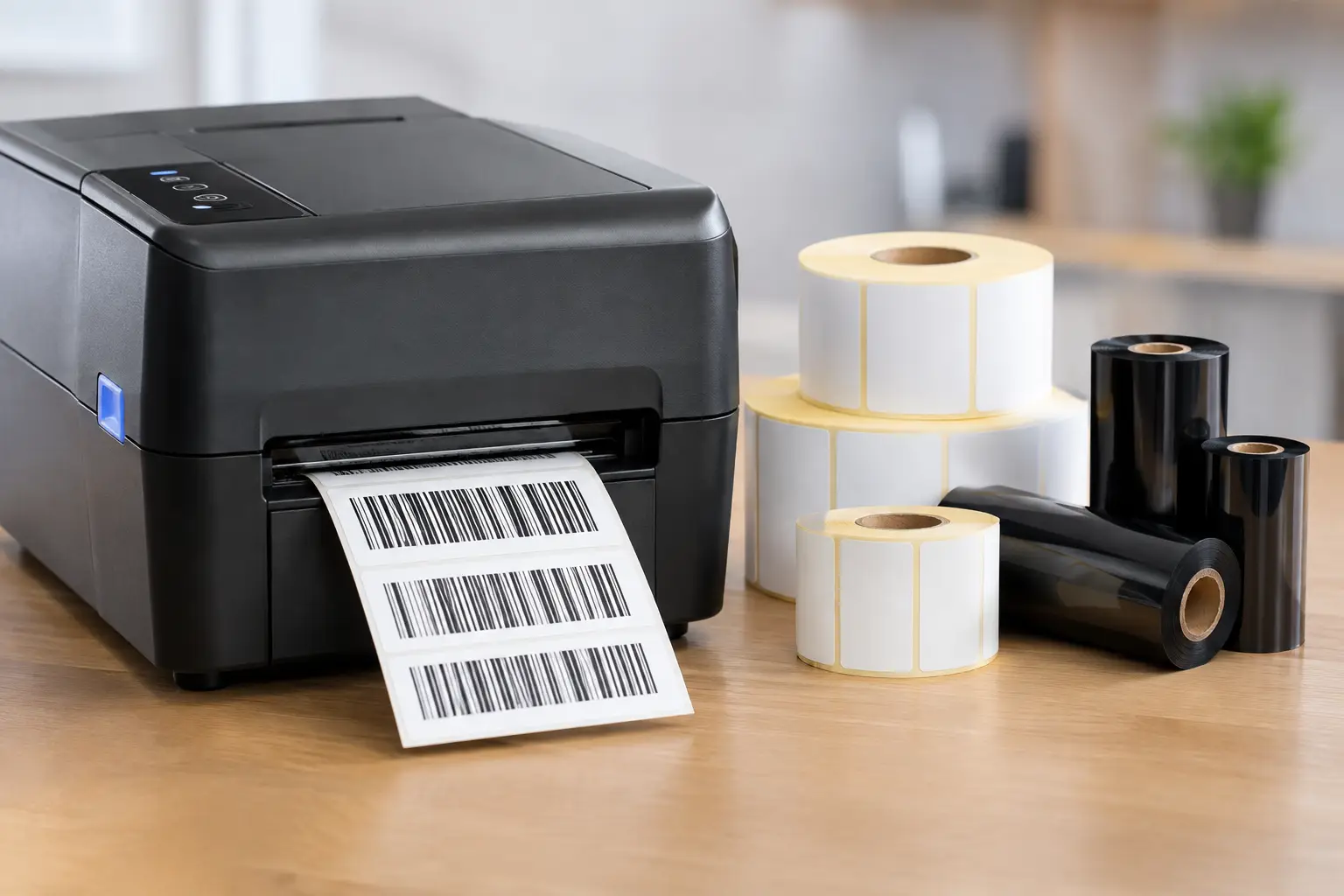
A barcode can scan perfectly at your own dock and still fail at a retailer, distributor, or customer location. That is why GS1 label rules are more than formatting preferences. They govern how globally recognized identification numbers and barcode symbols are selected, encoded, printed, and placed so trading partners can identify products, cases, pallets, and shipments without manual intervention.
For operations teams, the practical goal is simple: print the right data in the right barcode, at a size and quality the receiving environment can read. The details matter because a wrong check digit, missing Application Identifier, undersized quiet zone, or low-contrast ribbon can turn a routine shipment into an exception.
GS1 Label Rules Start With the Item Being Identified
There is no single GS1 label layout for every business process. The correct symbol and data depend on what is moving through the supply chain and where it will be scanned. A consumer unit sold at retail has different requirements than a corrugated case, a logistics label, or a healthcare unit-dose label.
The first decision is the identification number. A GTIN identifies a trade item. It may appear as a GTIN-12, GTIN-13, GTIN-14, or GTIN-8, depending on the assigned number structure and application. The GTIN must be valid, assigned to the correct product configuration, and encoded exactly as required. Do not create a new GTIN simply because a label design changed. A new GTIN is generally needed when a meaningful product change affects how the item is ordered, invoiced, or handled.
For logistics units such as pallets, the Serial Shipping Container Code, or SSCC, is often the primary identifier. Unlike a GTIN, an SSCC uniquely identifies one specific logistics unit. It should not be reused within the applicable GS1 reuse rules. A pallet label with a valid GTIN but no properly managed SSCC may identify its contents without uniquely identifying that individual pallet.
Choose the Barcode Symbol for the Scan Environment
The barcode type is not a design preference. It must match the data, packaging level, and scanner environment.
Retail items usually use EAN/UPC symbols
UPC-A and EAN-13 symbols are common on consumer products scanned at retail point of sale. These symbols are designed primarily to carry the item GTIN. They are not a place to add lot, expiration, serial, or variable-weight details. If a retailer requires a retail-ready symbol, confirm its specific requirements before approving artwork, since retailer specifications can be stricter than the baseline GS1 standards.
Cases and variable data often require GS1-128
GS1-128 is widely used for cases, pallets, and shipping labels because it can encode multiple data elements. These elements are introduced by Application Identifiers, commonly called AIs. For example, AI (01) identifies a GTIN, AI (10) identifies a batch or lot, AI (17) identifies an expiration date, and AI (00) identifies an SSCC.
Application Identifiers are not optional text. They tell the scanning system how to interpret the data that follows. Each AI has a defined data format and length. An expiration date, for example, follows a prescribed year-month-day format. A variable-length field such as a lot number requires correct field separation when another data element follows it in the barcode data stream. This is one of the most frequent causes of GS1-128 encoding errors.
GS1 DataMatrix fits small items and regulated workflows
GS1 DataMatrix is a two-dimensional symbol that can carry more data in a much smaller area than a linear barcode. It is commonly used on small products, healthcare packaging, electronics, and direct part marks where space is limited. Its compact size does not eliminate print-quality requirements. Small modules demand a printer capable of producing sharp, consistent dots and a material-ribbon combination suited to the application.
ITF-14 is another common choice for corrugated cases that will not be scanned at retail point of sale. It encodes a GTIN-14 and is often printed directly on corrugate or used on case labels. The right choice depends on the package, printing process, scanner type, and customer requirements.
Build Data Correctly Before Designing the Label
Barcode design software cannot repair bad master data. Before a label is built, establish a controlled source for GTINs, descriptions, lot numbers, dates, serial numbers, and customer-specific requirements. The printed barcode and human-readable text should be driven by the same approved data source whenever possible.
For GS1-128 and GS1 DataMatrix, configure the software to generate the proper symbol structure rather than typing parentheses and data into a generic barcode field. Parentheses are used in human-readable interpretation to make Application Identifiers easier for people to recognize. They are not encoded as literal barcode characters. Likewise, the FNC1 character and any required separator handling must be created correctly by the label software.
A practical label workflow should also protect against duplicate serial numbers and SSCCs. If a serial number is generated from a spreadsheet or database, the process needs controls for reprints, operator errors, and system outages. Reprinting a label may be operationally necessary, but issuing a new identifier or repeating a serialized identifier without a defined policy can create downstream traceability problems.
GS1 Label Rules for Size, Placement, and Readability
A barcode can contain correct data yet remain unusable because it is too small, poorly placed, or printed with inadequate contrast. Symbol size is governed by the X-dimension, which is the width of the narrowest element in a linear barcode or the module size in a 2D symbol. Minimum and maximum dimensions vary by barcode type, application, packaging, and intended scanning environment.
Avoid shrinking a barcode merely to make the label look cleaner. Reduction reduces tolerance for print variation, label wrinkles, abrasion, and scanner distance. If space is tight, consider whether a 2D symbol is appropriate, whether the label size should change, or whether nonessential copy can move. The answer depends on the trading partner and the required barcode symbology.
Quiet zones are equally critical. These clear areas on both sides of a linear barcode, or around a 2D symbol, help scanners distinguish the code from surrounding graphics and text. Borders, color blocks, rules, and nearby copy can interfere when they intrude into the required clear space.
Place barcodes on a reasonably flat, accessible surface. Avoid seams, folds, corners, heavy curves, closure tape, and locations likely to be scuffed during handling. For shipping labels, placement should also allow workers and fixed scanners to find the symbol quickly without rotating the package repeatedly. If a customer has a logistics-label template, follow it rather than substituting an internal format.
Print contrast is not just a visual issue. Dark bars or modules must stand apart from a light background. Black thermal transfer ribbon on a matte white label is a proven combination for many uses, but it is not automatically right for every environment. Freezer exposure, chemicals, outdoor storage, rough corrugate, glossy films, and high-speed applicators may require different facestocks, adhesives, and ribbon formulations.
Verify the Printed Result, Not Only the Artwork
A handheld scanner is useful, but it does not prove that a symbol meets quality requirements. A scanner may read a marginal label at close range and still fail in a conveyor tunnel, at a retailer, or after normal handling. Barcode verification measures print quality against recognized test methods and grades factors such as contrast, edge definition, modulation, and defects.
Verification is especially valuable for high-volume production, regulated applications, customer chargeback exposure, and labels printed at small X-dimensions. Set a pass/fail threshold that reflects the application and any trading-partner specification. Keep verification records when traceability or customer compliance requires evidence.
Routine print checks should include the actual stock, ribbon, print speed, darkness setting, and printer resolution used in production. A label that verifies well at a slow test speed may not perform the same way at line speed. Printhead wear, contaminated platen rollers, incorrect media calibration, and poor ribbon winding can all reduce scan quality.
Use Labeling Tools That Reduce Configuration Errors
The right software and printer combination makes GS1 work easier to control. Label design software should support the barcode symbologies your operation uses, database-driven fields, serial-number management, and repeatable templates. It should also let authorized users change variable production data without accidentally altering barcode structure, size, or placement.
EasyLabel has been used worldwide since 1982 and remains a practical choice for companies that want established label design capability without a required subscription or support contract. When it is paired with a Tharo thermal printer, businesses can work with one USA-based support source for software, printer, labels, ribbons, and troubleshooting. Tharo H- and T-Series 4-inch 203 and 300 DPI printers also carry a two-year or two-million-printed-inch warranty, while replacement printheads are generally less costly than those for many flagship competitor models.
The media choice is part of the system, not an afterthought. Direct thermal labels can be efficient for short-life shipping labels, but heat, sunlight, friction, or extended storage can darken or fade the image. Thermal transfer labels add ribbon cost, yet they typically offer better durability and material flexibility. Match the label and ribbon to the surface, environment, expected life, and barcode grade target.
Before releasing a GS1 label, print it on the production printer, inspect the encoded and human-readable data, verify the symbol, and test it in the actual receiving or scanning workflow. That disciplined last step prevents a small label error from becoming a supply-chain problem.